
Onsite headshots · Operations
How to Plan a 50-Person Corporate Headshot Day Without Chaos
A 50-person headshot day is less a portrait shoot and more a tiny production line. The photography still matters, but queue management, consistency and the office coordinator are what keep the day alive.

What actually matters
The practical variables behind the answer.
This guide comes from the kind of operating decisions we keep running into on real corporate assignments, not from a generic photography checklist.
Tether everything
A laptop makes it easier to catch focus problems, glasses reflections, expression, stray hair and clothing issues immediately.
Mark positions
Once the first portrait works, mark the subject, tripod and light positions so the visual system does not drift.
Keep the queue moving
Ask the office team to keep the next three people ready rather than searching for each employee after the previous portrait finishes.
Use an assistant if budget allows
One person can manage direction, grooming checks and flow while the photographer concentrates on the image.
A workable sequence
How we would think through it on an actual assignment.
Pre-shoot mail
Share grooming, clothing and schedule guidance before the day.
Setup
Allow real time to build, test and tether the lighting.
First portrait
Lock crop, height, exposure, background and retouching direction.
Production flow
Photograph people in scheduled groups with buffer between slots.
QA before pack-down
Check completeness, naming, obvious consistency issues and backup before leaving.
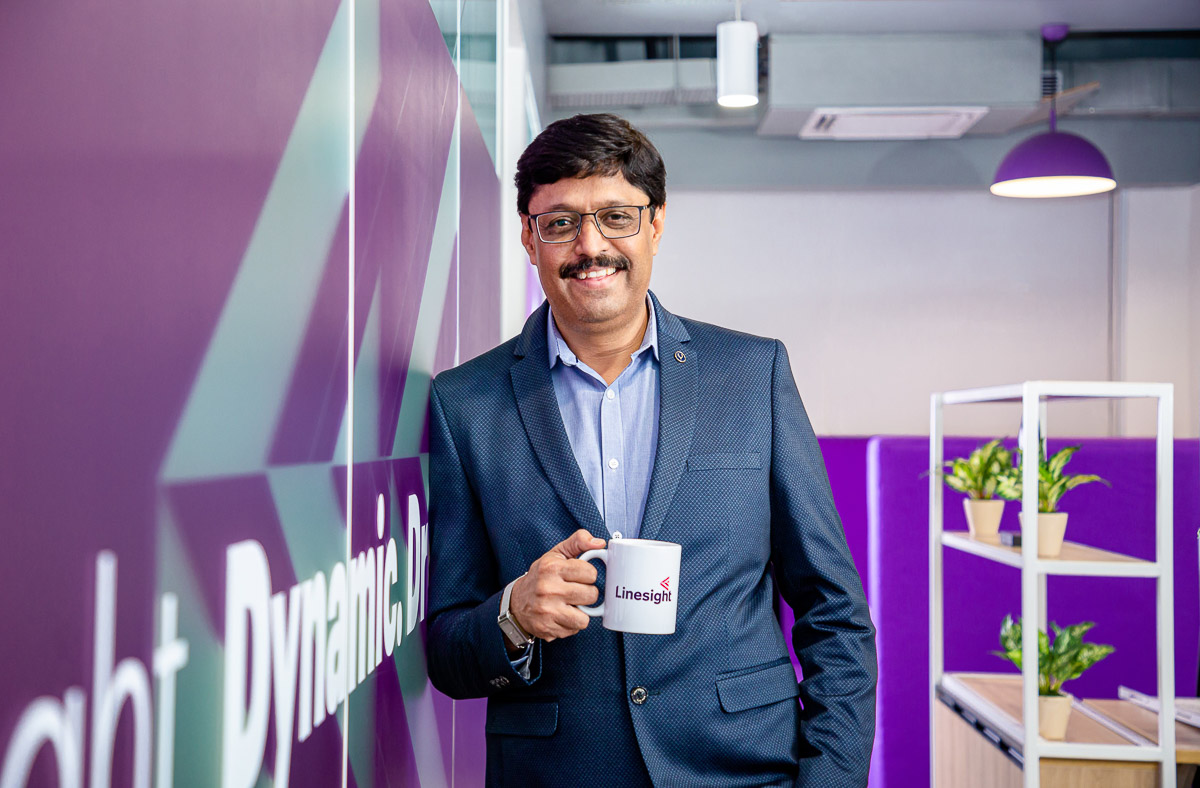

From the field
The hidden bottleneck is usually not the camera
This is the part that tends to become obvious only after doing the work repeatedly.
On larger headshot days, the lost minutes come from people not being ready, names not matching, glasses glare, changing heights and a setup that slowly drifts. A simple repeatable lighting design with good tethering usually beats an elaborate setup that is difficult to reproduce 50 times.
Decision table
A faster way to make the call.
| Planning item | Recommended approach | Why |
|---|---|---|
| Time per person | Around 10–15 minutes for a straightforward set, plus buffer | Allows expression, minor grooming and review without rushing. |
| People waiting | Keep the next 2–3 employees ready | Avoids dead time between portraits. |
| Laptop tether | Strongly recommended | Lets the team catch small issues before the employee leaves. |
| Assistant/director | Useful when budget allows | Keeps grooming, pose and queue management away from the camera operator. |
| Long days | Build a real break | Portrait consistency falls when the team and subjects are exhausted. |
Related planning
Continue with the part of the brief you are solving next.
People also ask
Direct answers to the questions that usually follow.
01How long does it take to photograph 50 corporate headshots?
It depends on the number of final images and complexity, but a straightforward repeatable setup may need roughly 10–15 minutes per person plus setup, breaks and transition buffers.
02Do you need two photographers for 50 employees?
Not necessarily. One photographer with a strong assistant or coordinator can often be more consistent than two separate portrait stations unless the brief demands much faster throughput.
03Why tether corporate headshots to a laptop?
It makes focus, glasses reflections, clothing, expression, crop and consistency much easier to inspect while the employee is still present.
04Should employees choose their favourite image onsite?
It can work, but it may slow the queue. For larger teams, agree a clear selection workflow before the shoot.
05How much space is needed?
A simple plain-background setup needs room for the backdrop, subject-to-background distance, lights, camera position and safe walkways. Exact dimensions depend on the required crop and lens.
06Can TAT set up a headshot station inside an office?
Yes. Tell-a-Tale Studios provides onsite corporate headshot setups and can plan the workflow around employee count, available space and final usage.
Planning something similar?
Share the date, location, timings, people involved, intended usage and delivery expectations. We will suggest a realistic setup instead of forcing the brief into a generic package.