
Conference production · multi-camera
A multi-camera event is not several cameras pointed at a stage. It is one coordinated record with protected responsibilities.
Plan camera positions, audio, slides, audience questions, switching, isolated records, backups and file delivery for panels, conferences and employee town halls.
This guide helps event and communications teams decide whether they need live switching, edited multicam, full sessions, remote feeds or a simpler two-camera record.
Camera responsibilities
Each angle should protect something specific.
The best plan avoids constant random movement and duplicate framing.
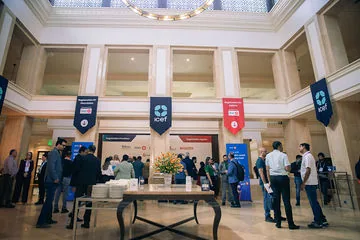
Master wide
Maintains safe context and programme continuity across the stage.
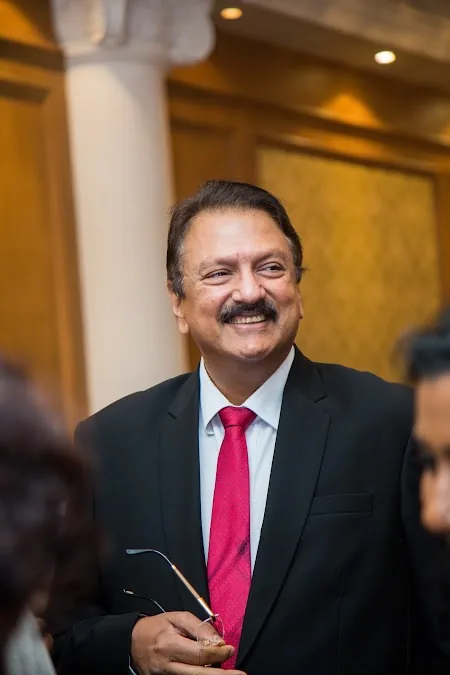
Speaker close
Tracks the active speaker, expressions and clean individual framing.
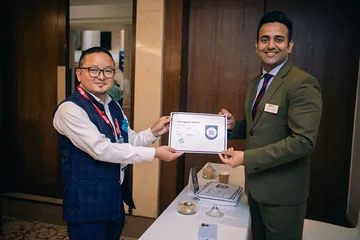
Alternate / audience
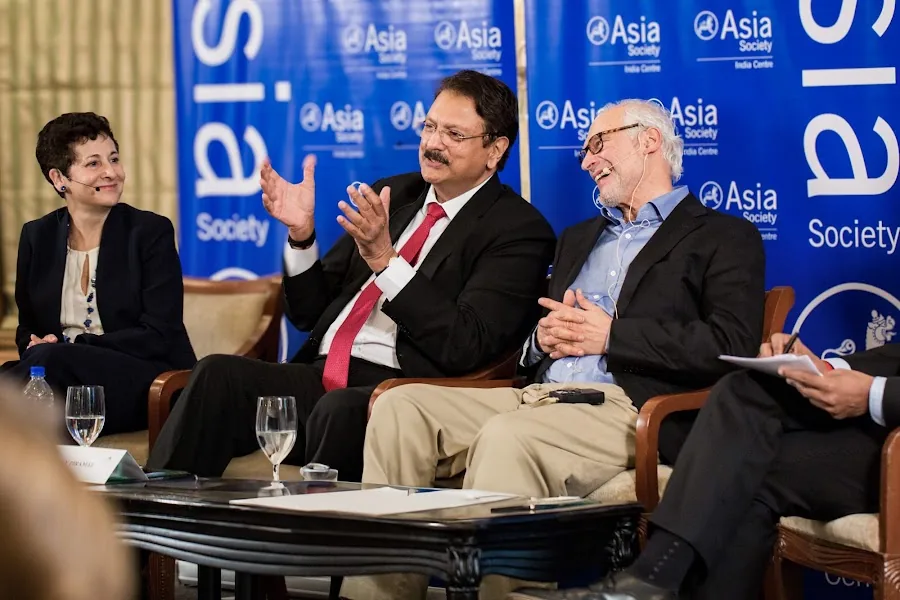
Covers panel responses, audience questions, reactions and room scale.
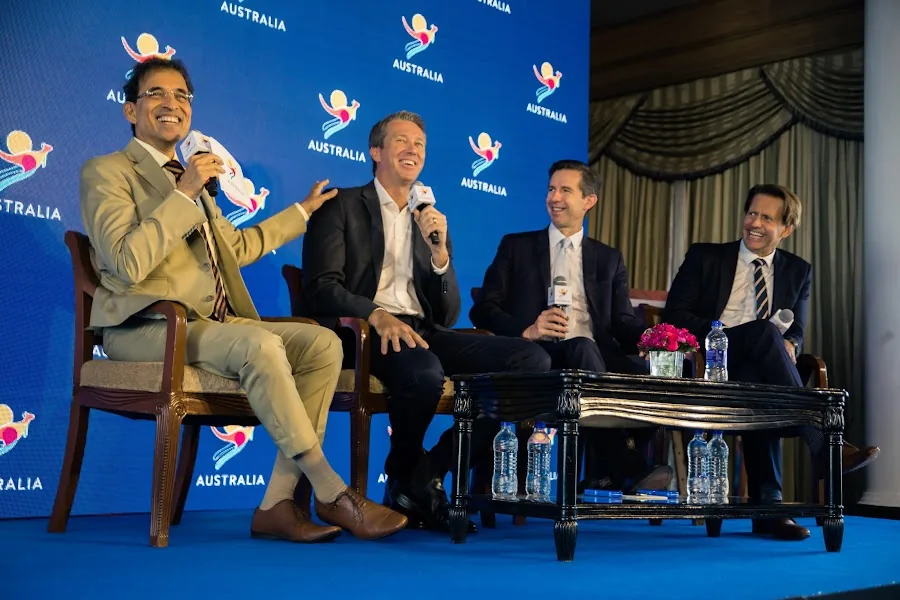
Slides / remote feed
Integrates presentation content or remote participants where required.
Choose the production mode
Live switching and edited multicam are different promises.
Both can use the same cameras, but the risk and workflow differ.
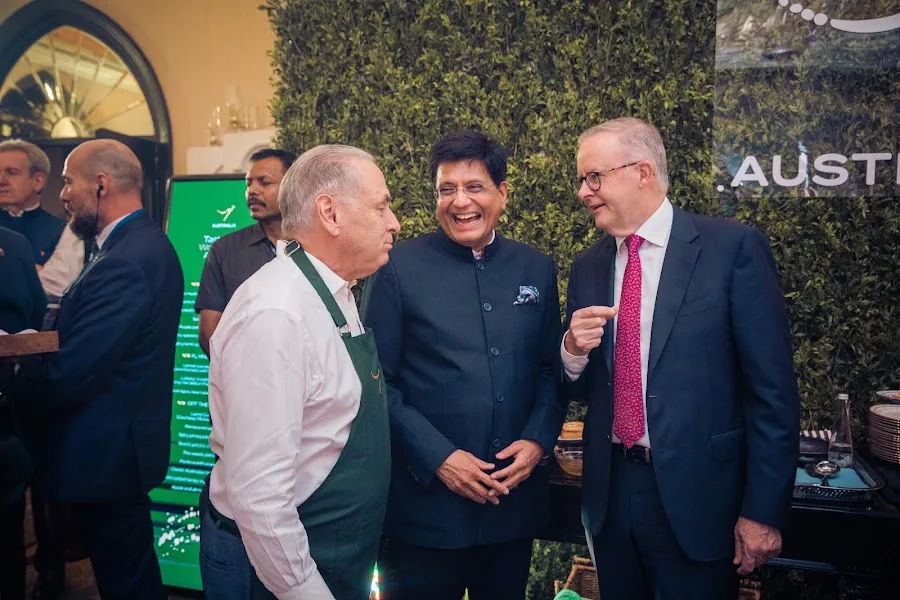
Live-switched programme
The director chooses angles in real time for screens, stream or immediate master.
Edited multicam
All cameras are recorded and choices are refined later in post-production.

Hybrid approach
A live cut is recorded while isolated camera feeds remain available for correction or later edits.
Simple two-camera record
A safe master and alternate angle can cover straightforward panels without a full broadcast system.
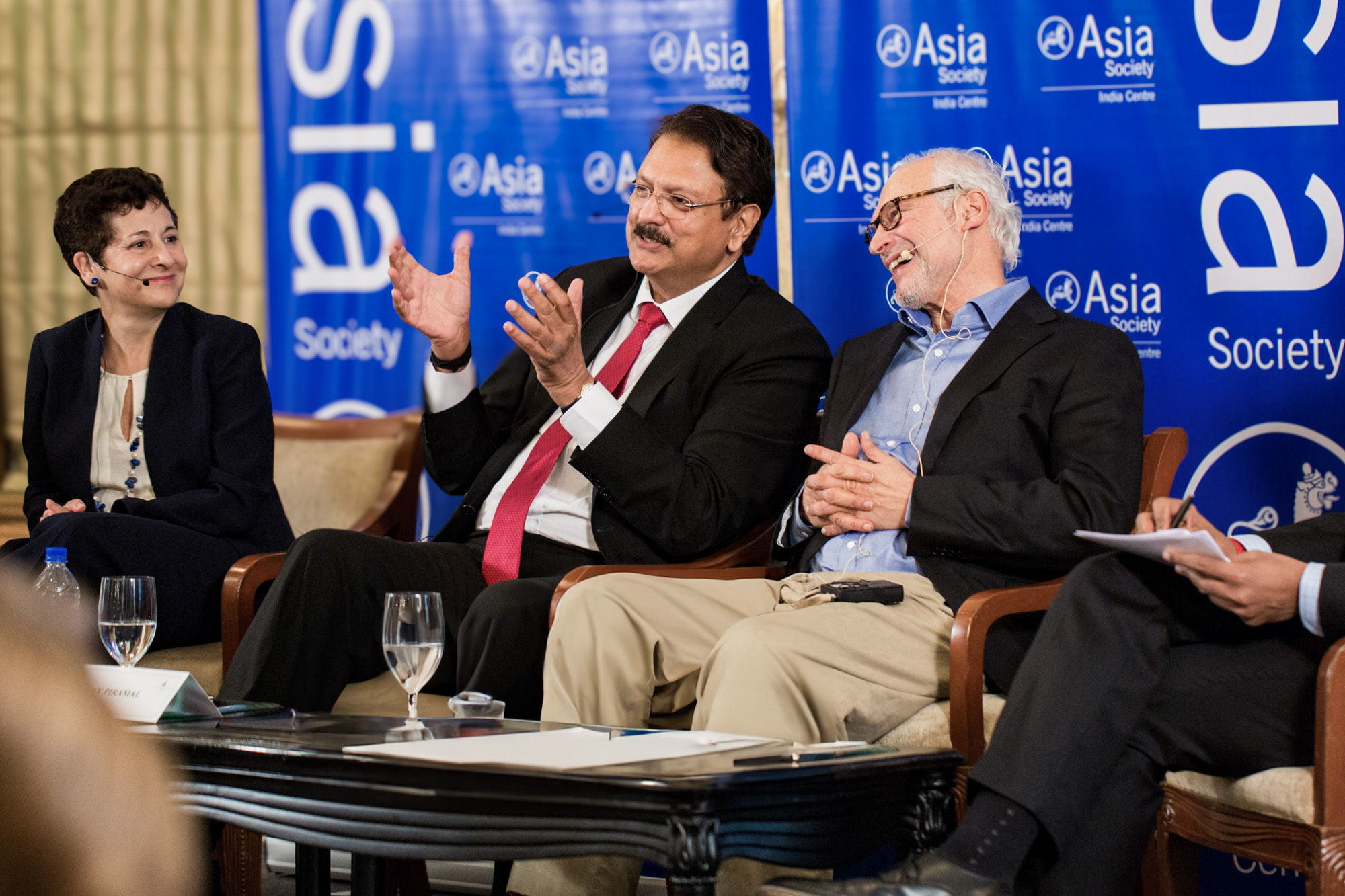


The useful answer
How many cameras are needed to record a corporate panel or town hall?
Two cameras are a practical minimum for many panels: one protects a safe master while another follows speakers. Larger stages, audience Q&A, remote feeds or simultaneous content may require three or more.
The audio plan, venue AV integration and output requirement must be confirmed before camera positions are final. A live stream or in-room screen feed adds switching, monitoring and redundancy responsibilities beyond ordinary recording.
Event recording pipeline
Build a dependable multicam system before doors open.
The technical rehearsal is where assumptions become visible.

Technical recce
Check power, sightlines, platforms, cable paths, audio desk and stage lighting.
Role & comms plan
Assign camera frames, movement limits, cues and communication method.
Signal & record test
Verify feeds, frame rates, audio sync, slide path and isolated recording.
Specify whether each session recording includes introductions, audience questions, slides and any remote contribution. Identify planned pauses and restricted segments. Agree how interruptions or missing inputs will be reported, and who checks the delivered session list. A camera recording the stage does not by itself guarantee that every external feed was captured.

Rehearse transitions
Test walk-ons, Q&A, playback, remote speakers and programme changes.
Record & verify
Monitor continuity, media, power and audio; confirm files during breaks.
Visual proof block
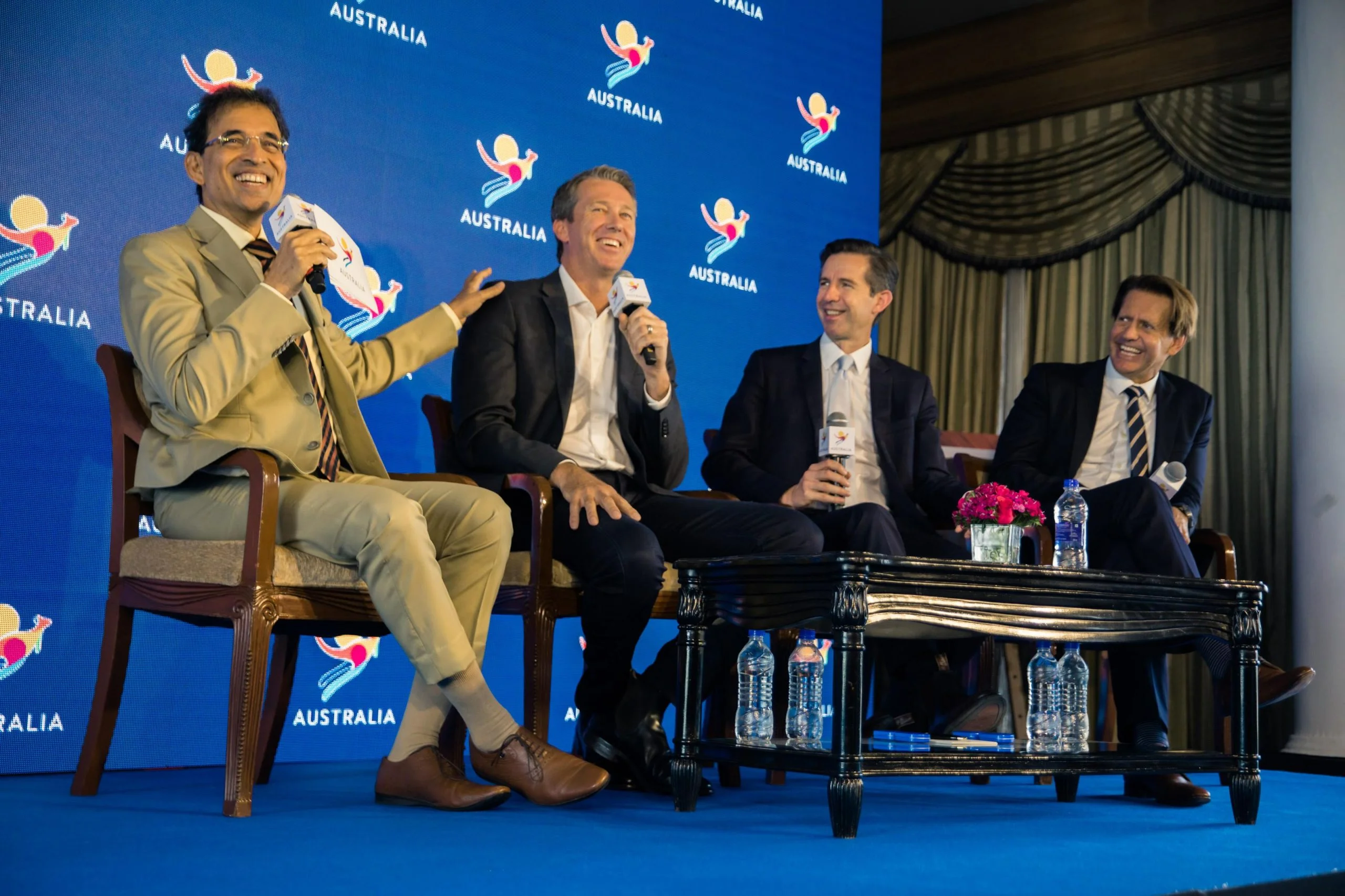
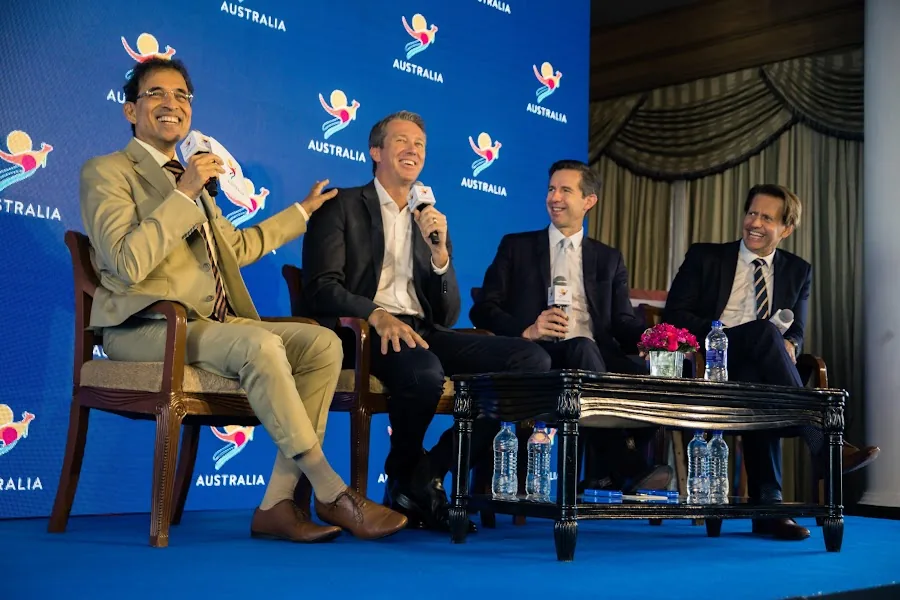
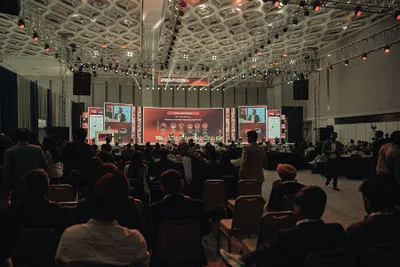
Show the system from both sides of the room.
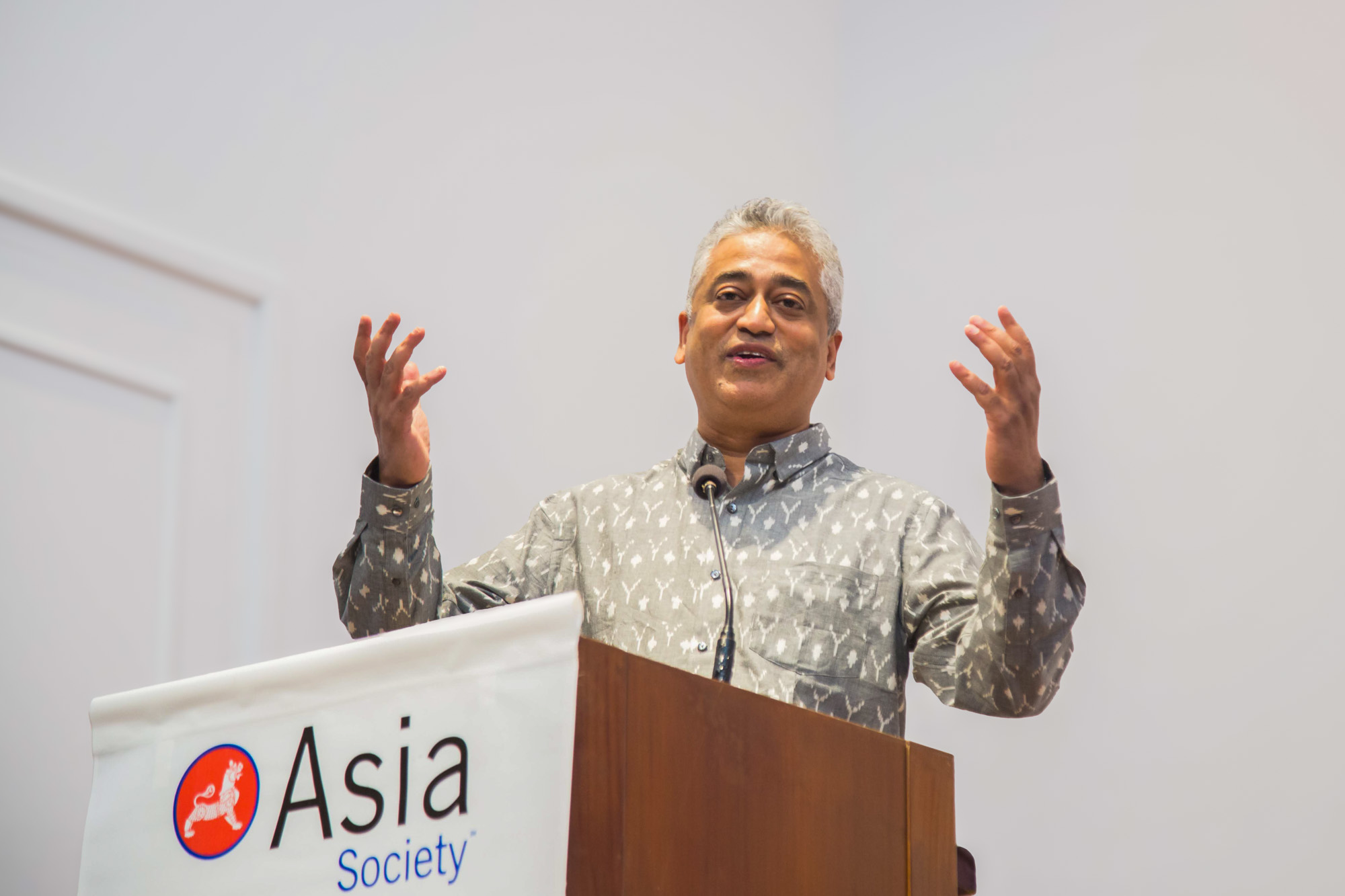
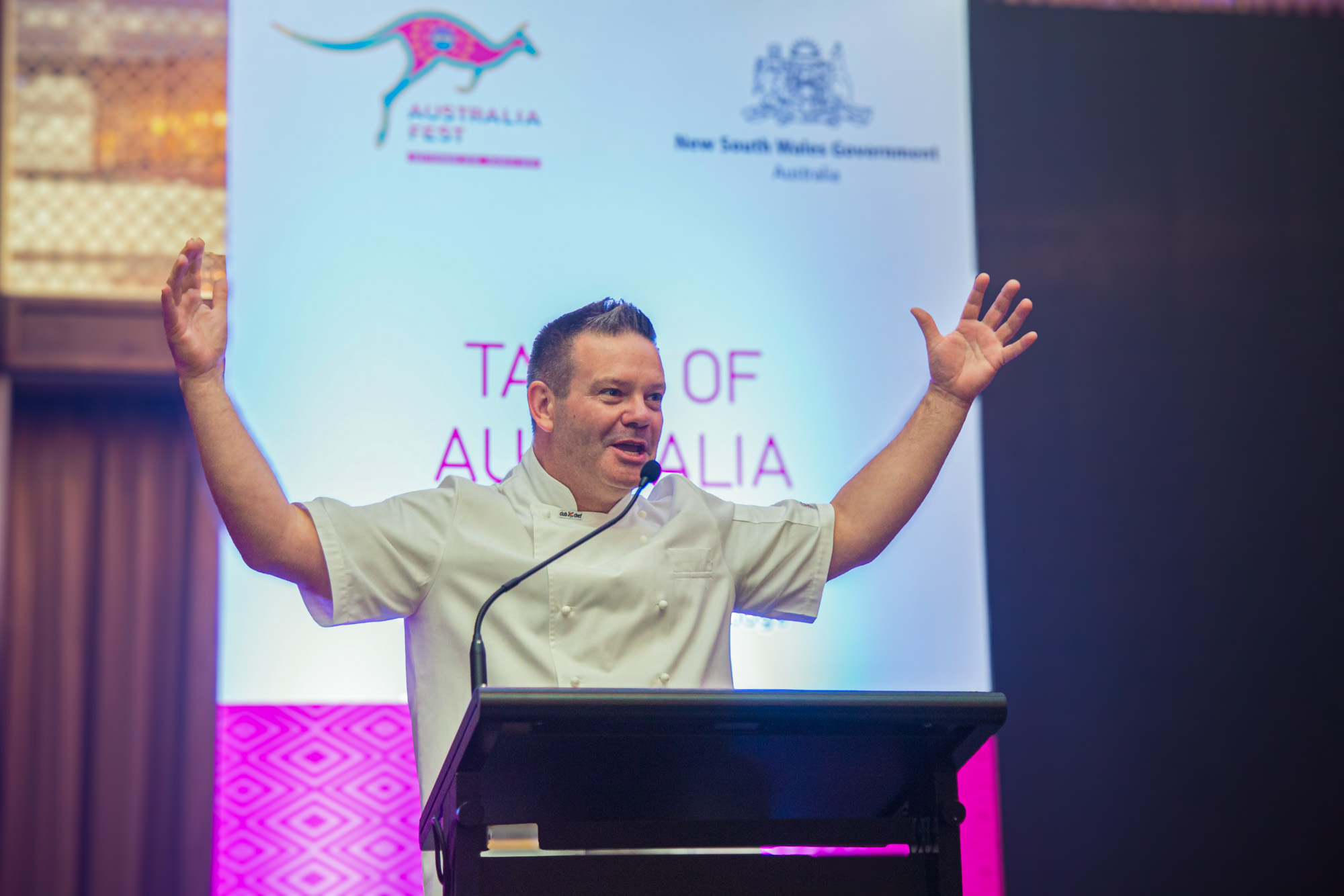
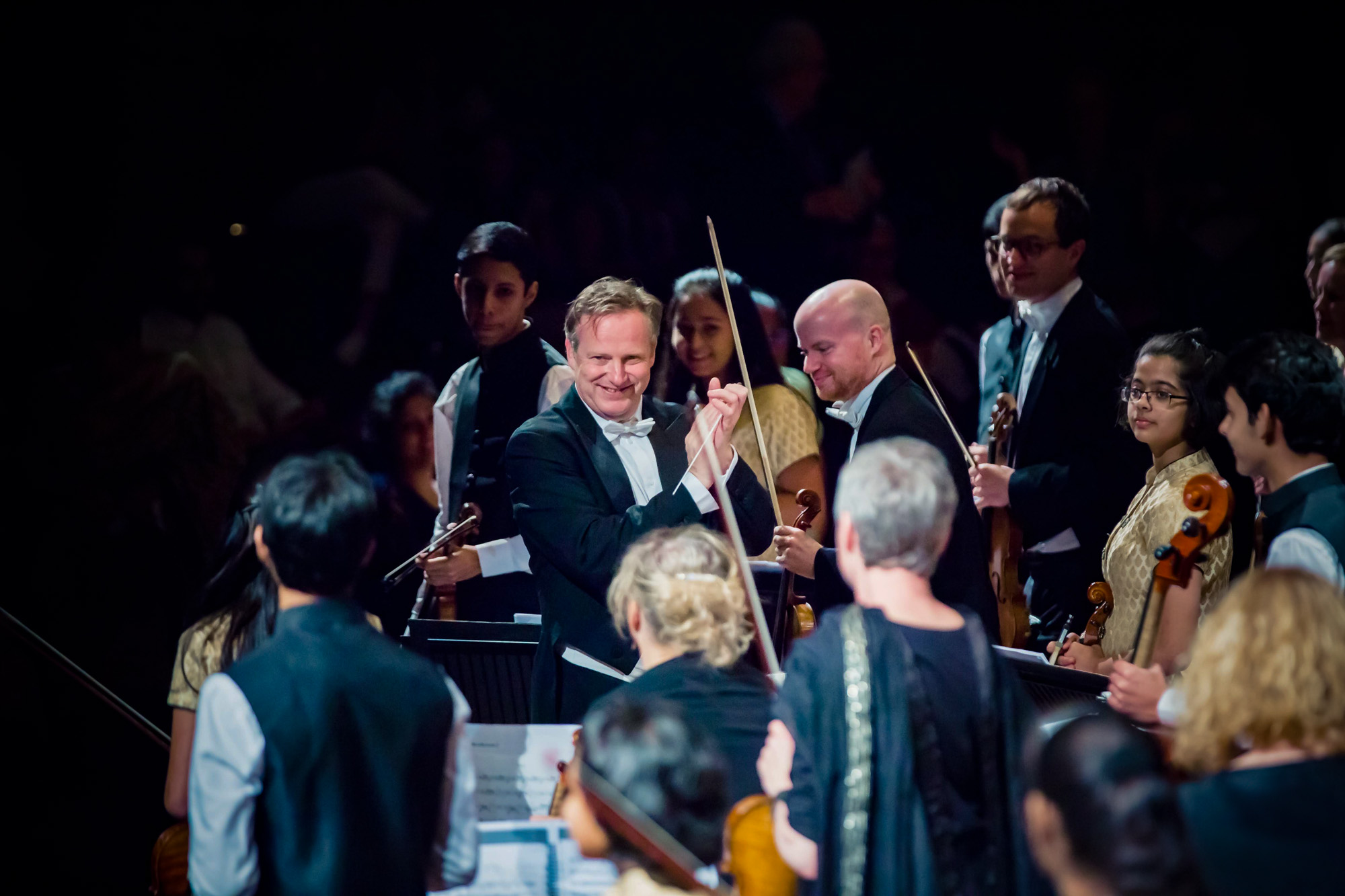
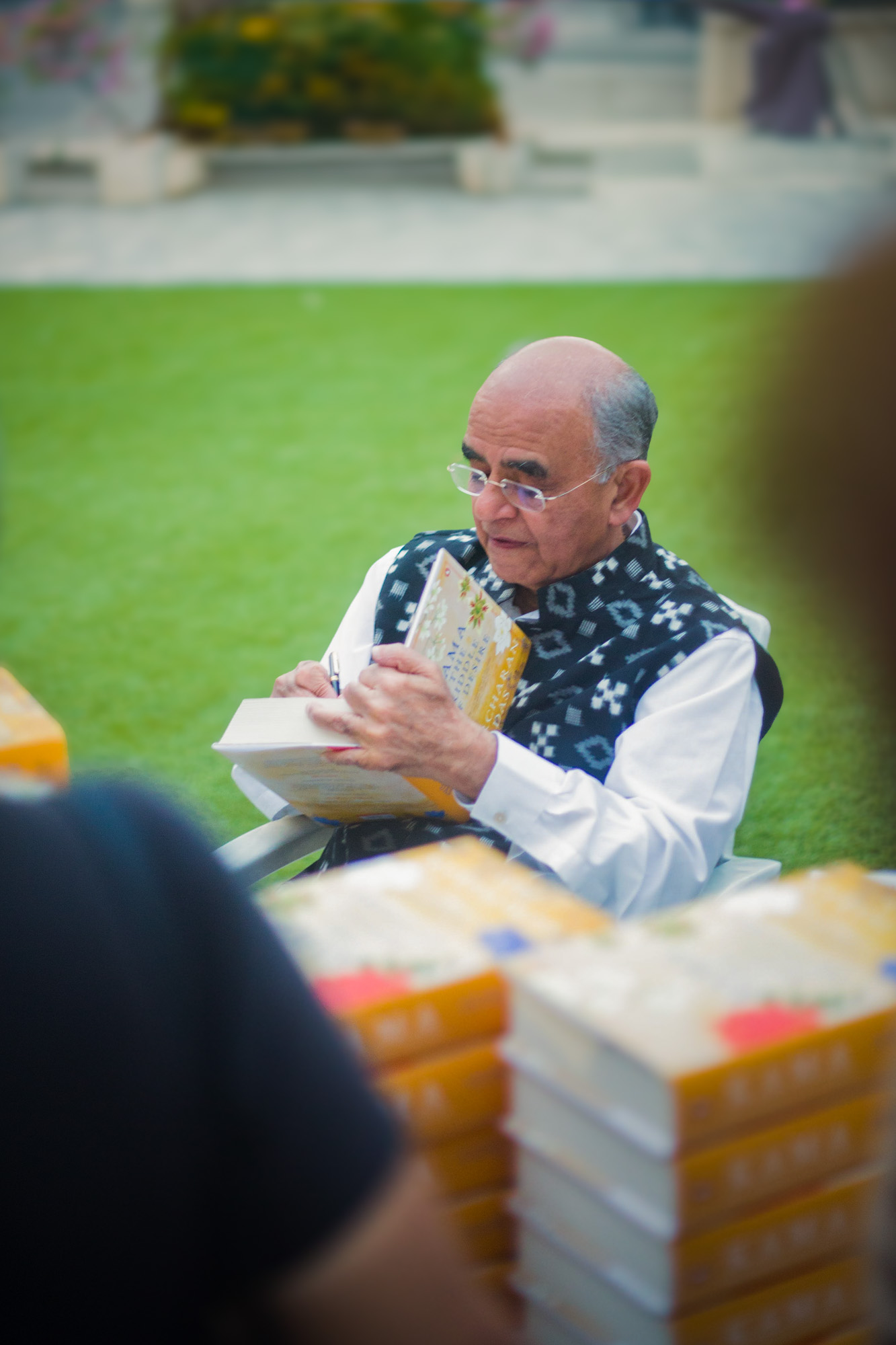
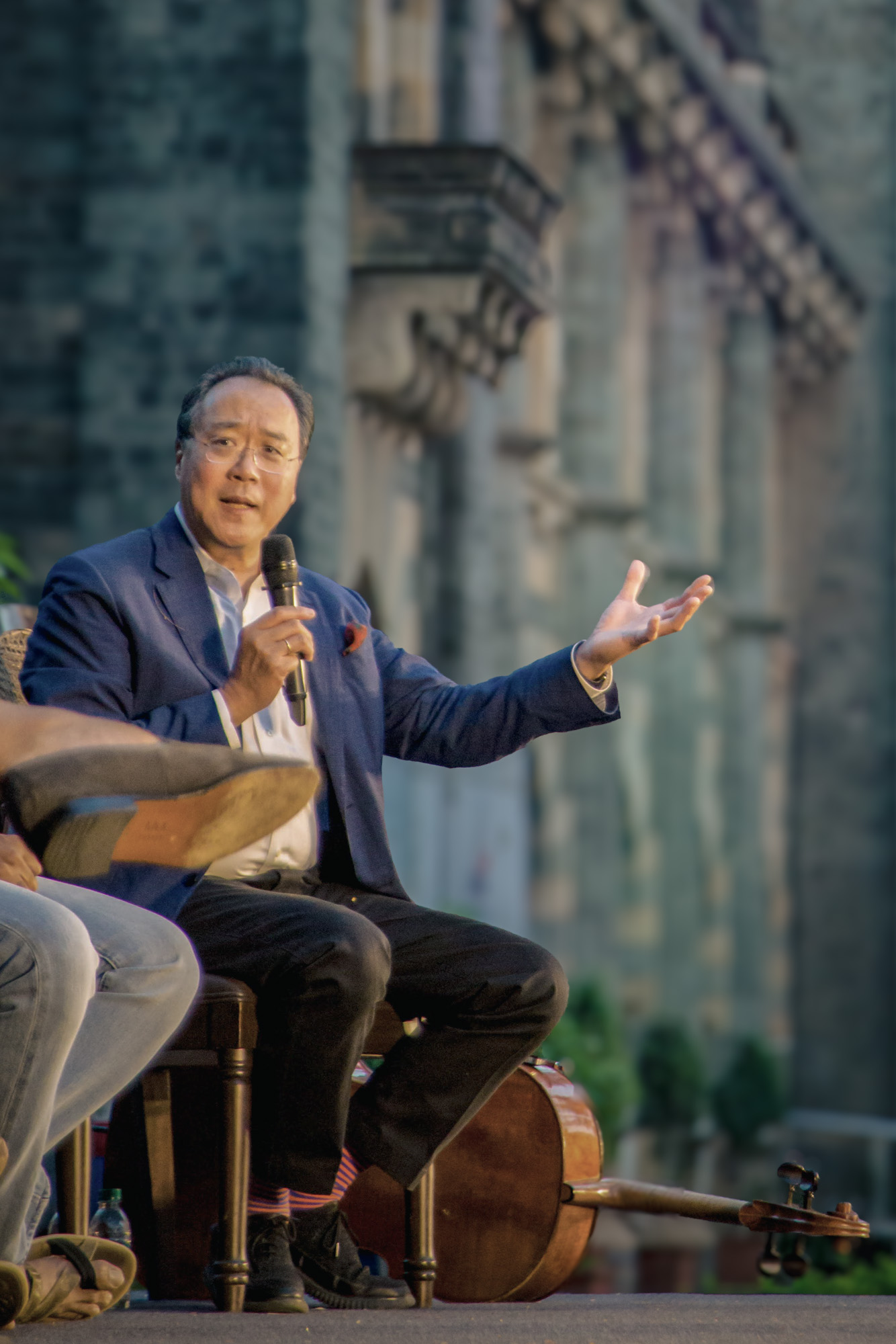
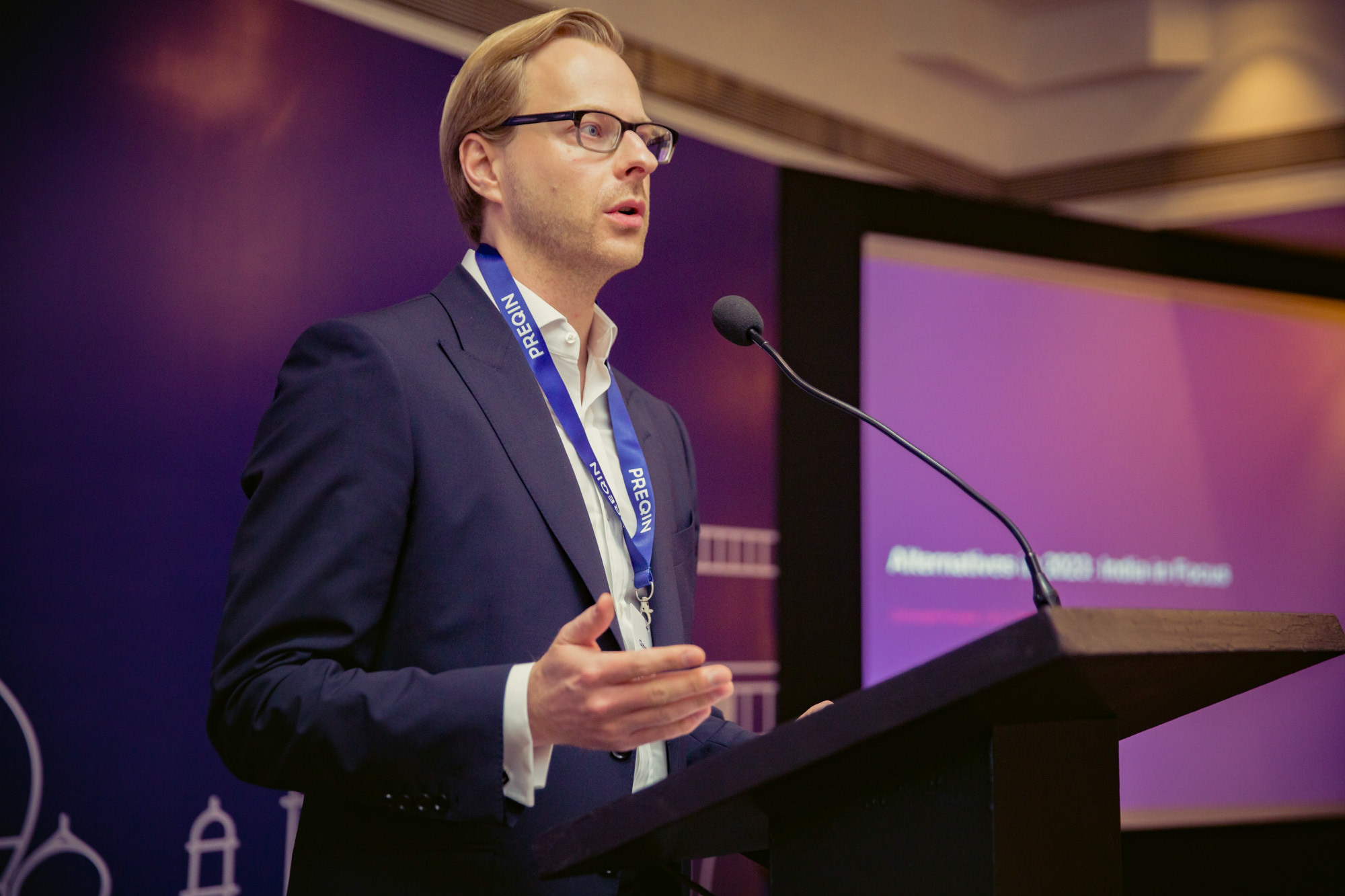
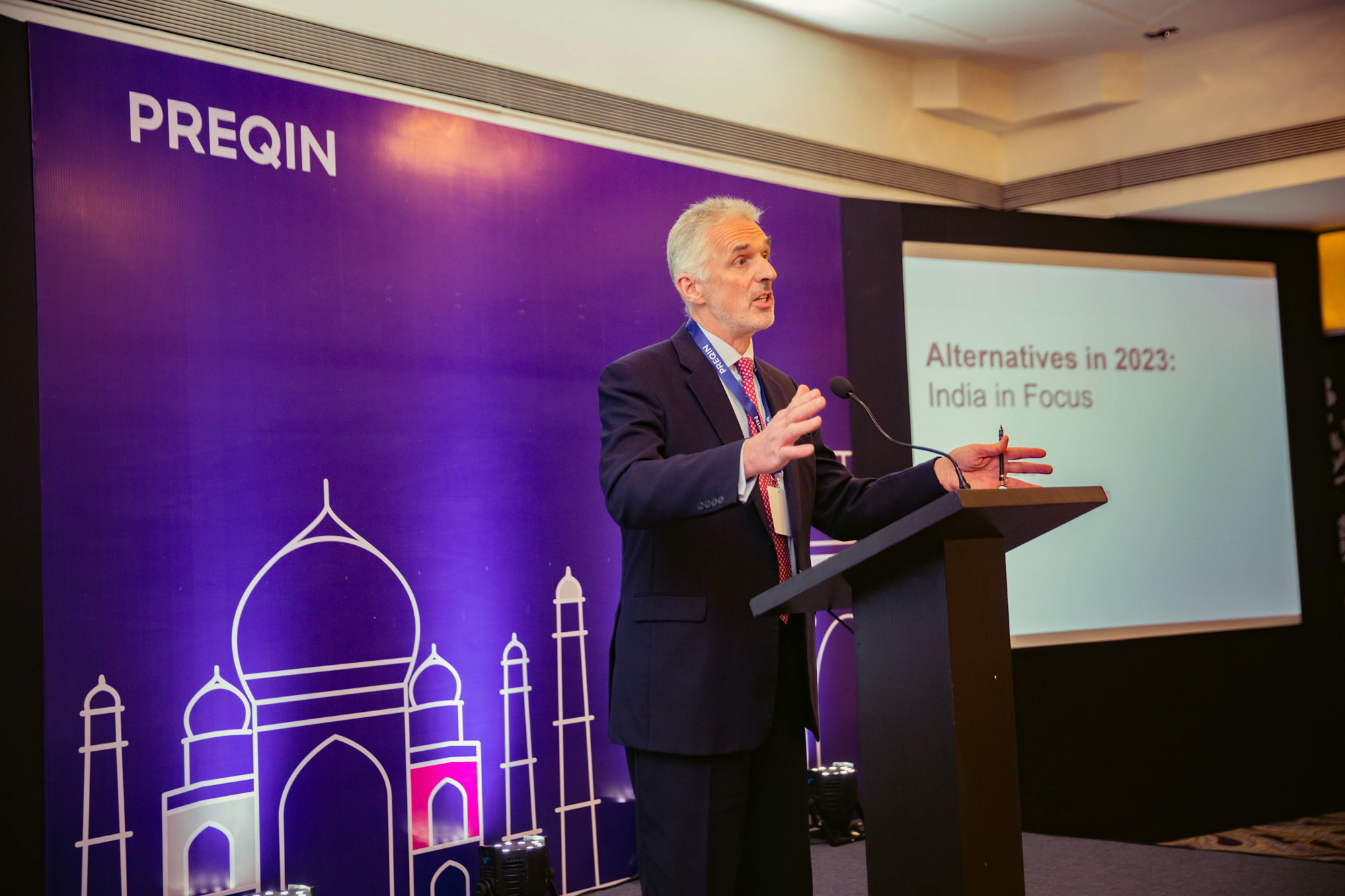
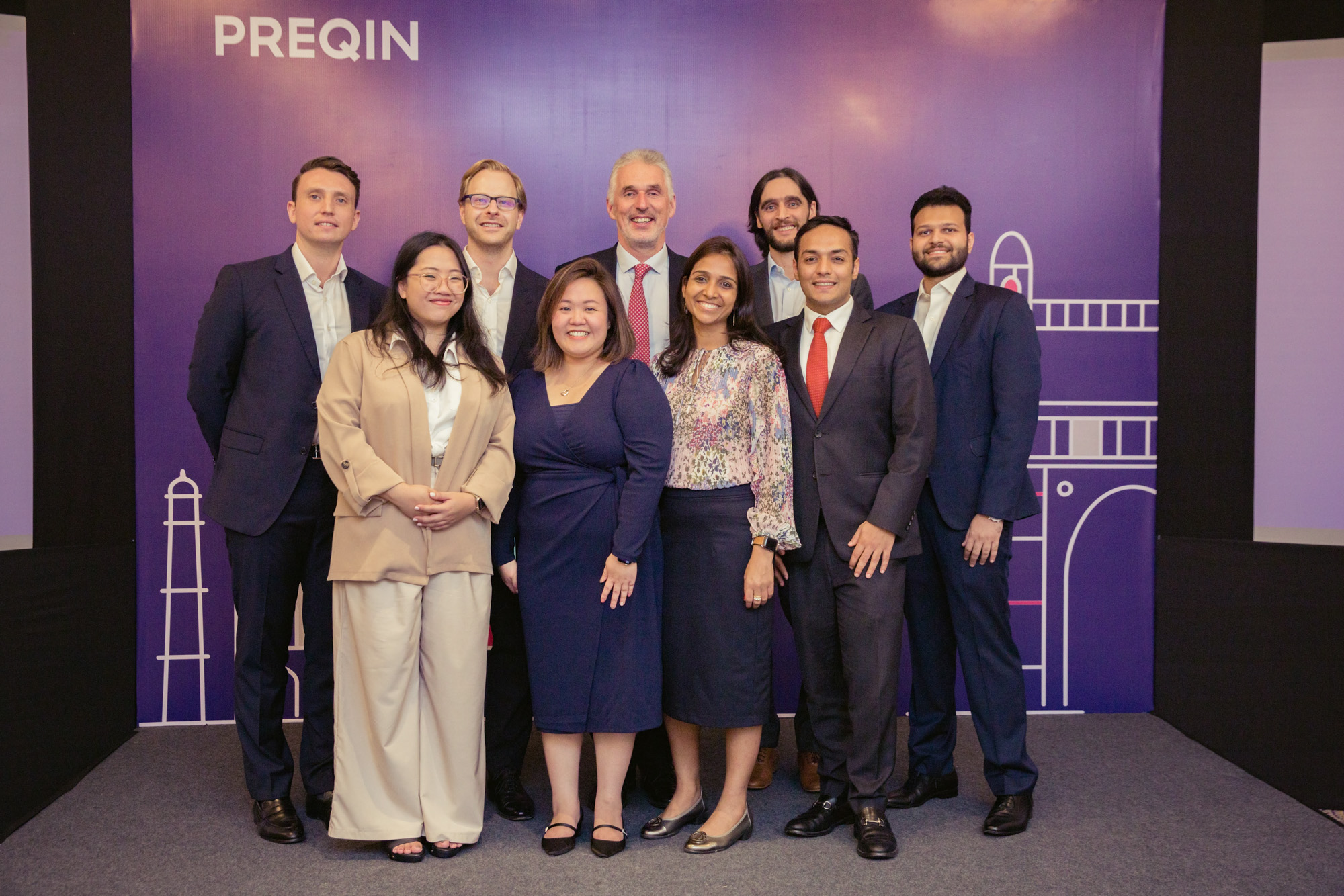
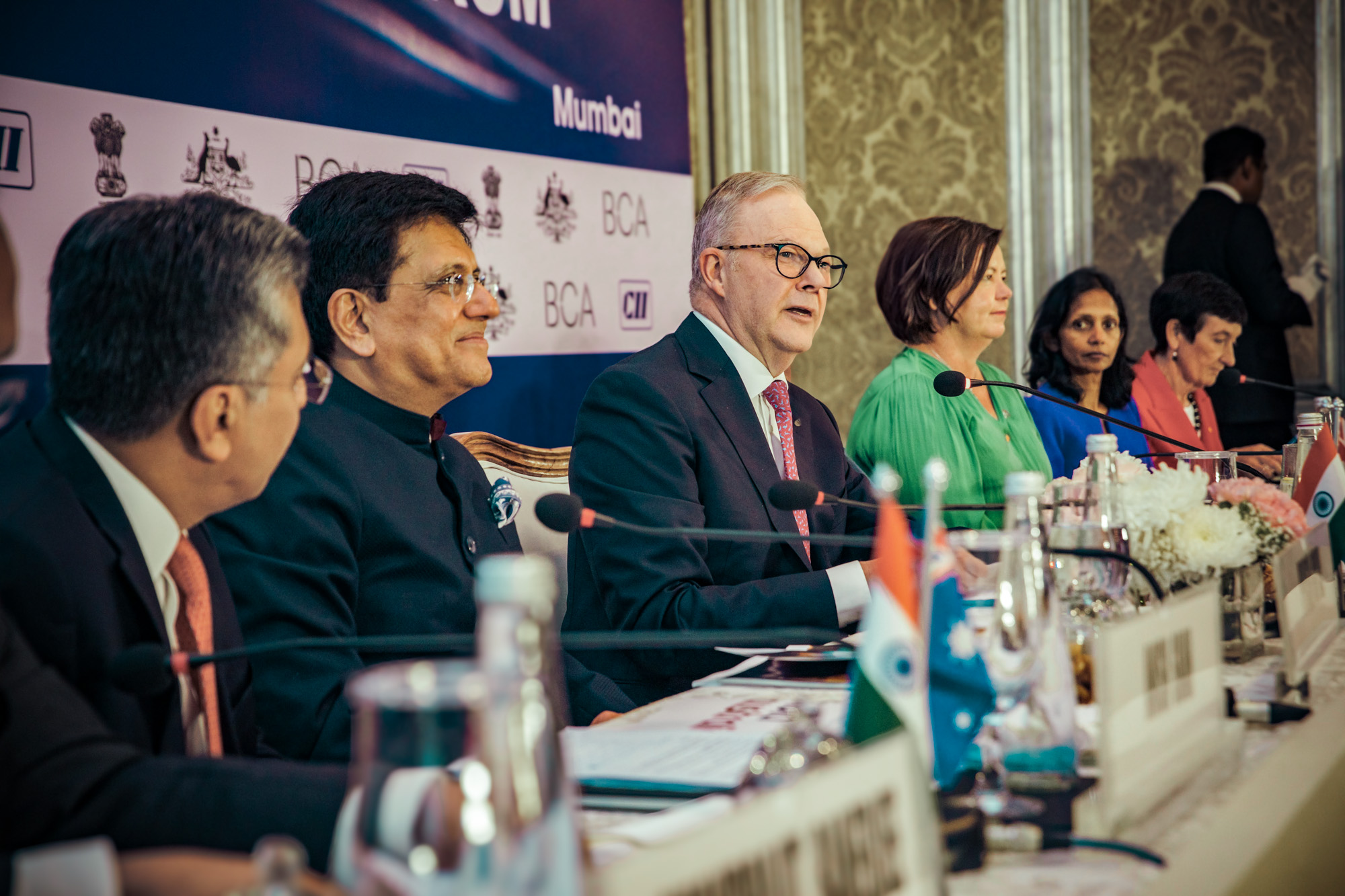
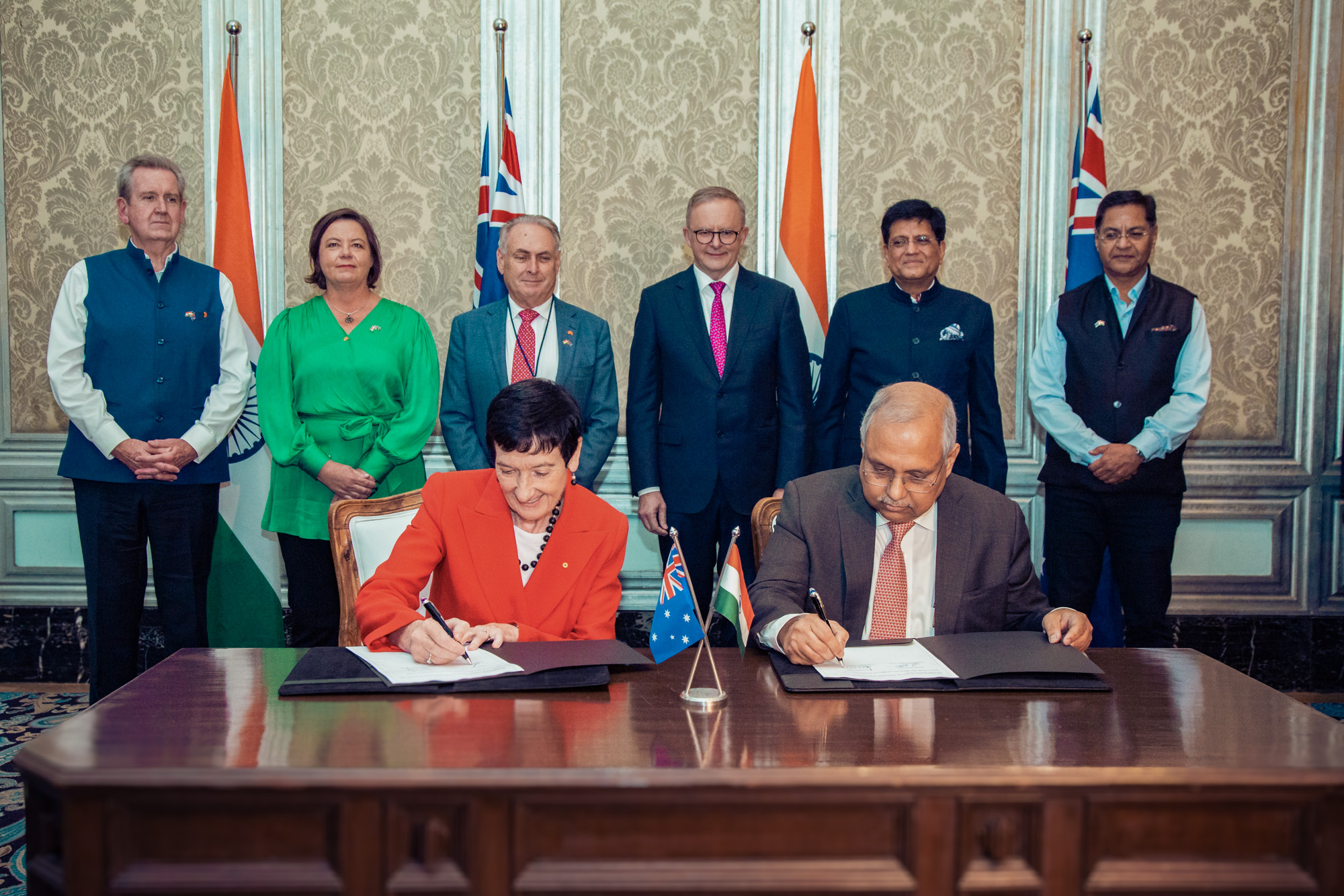
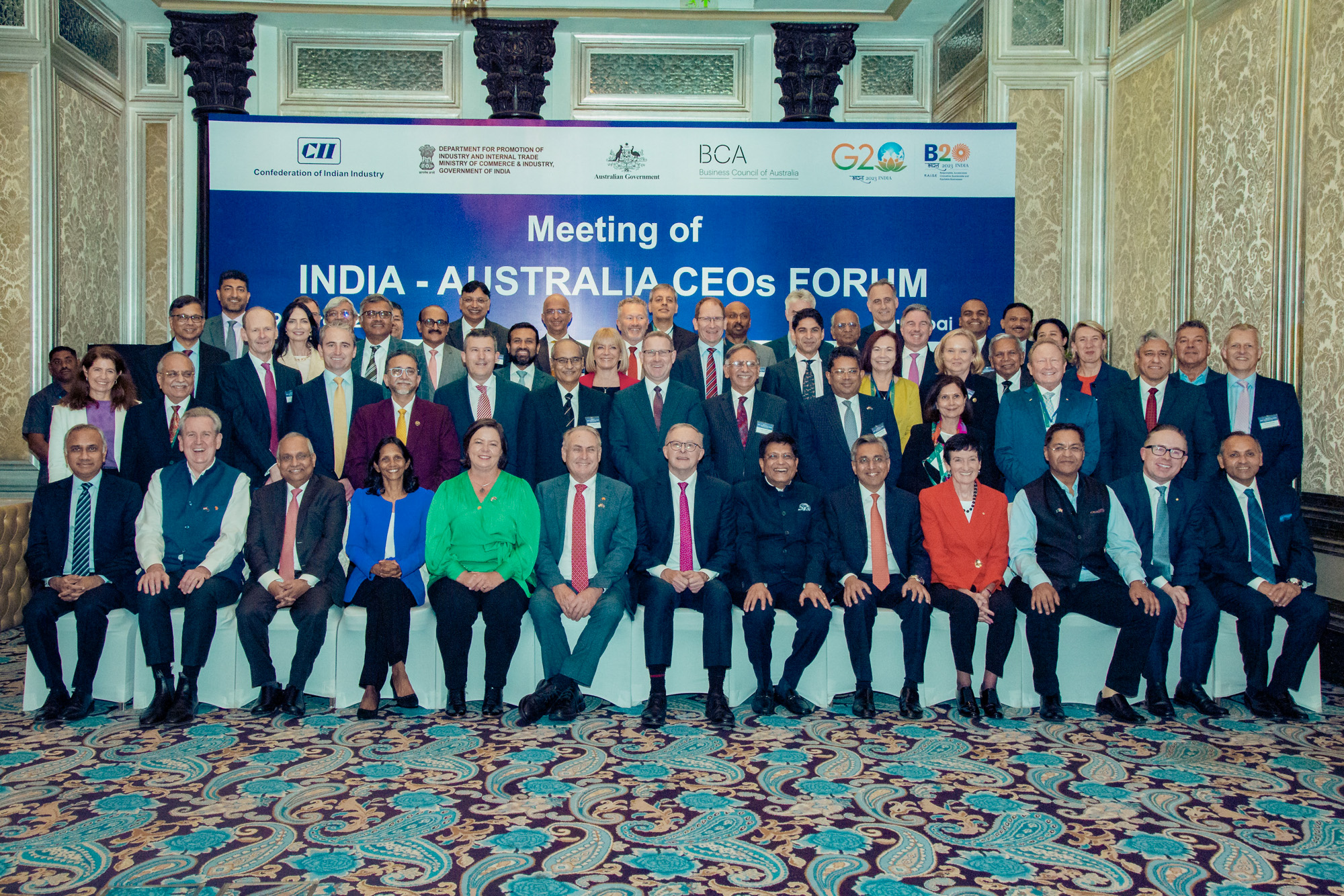
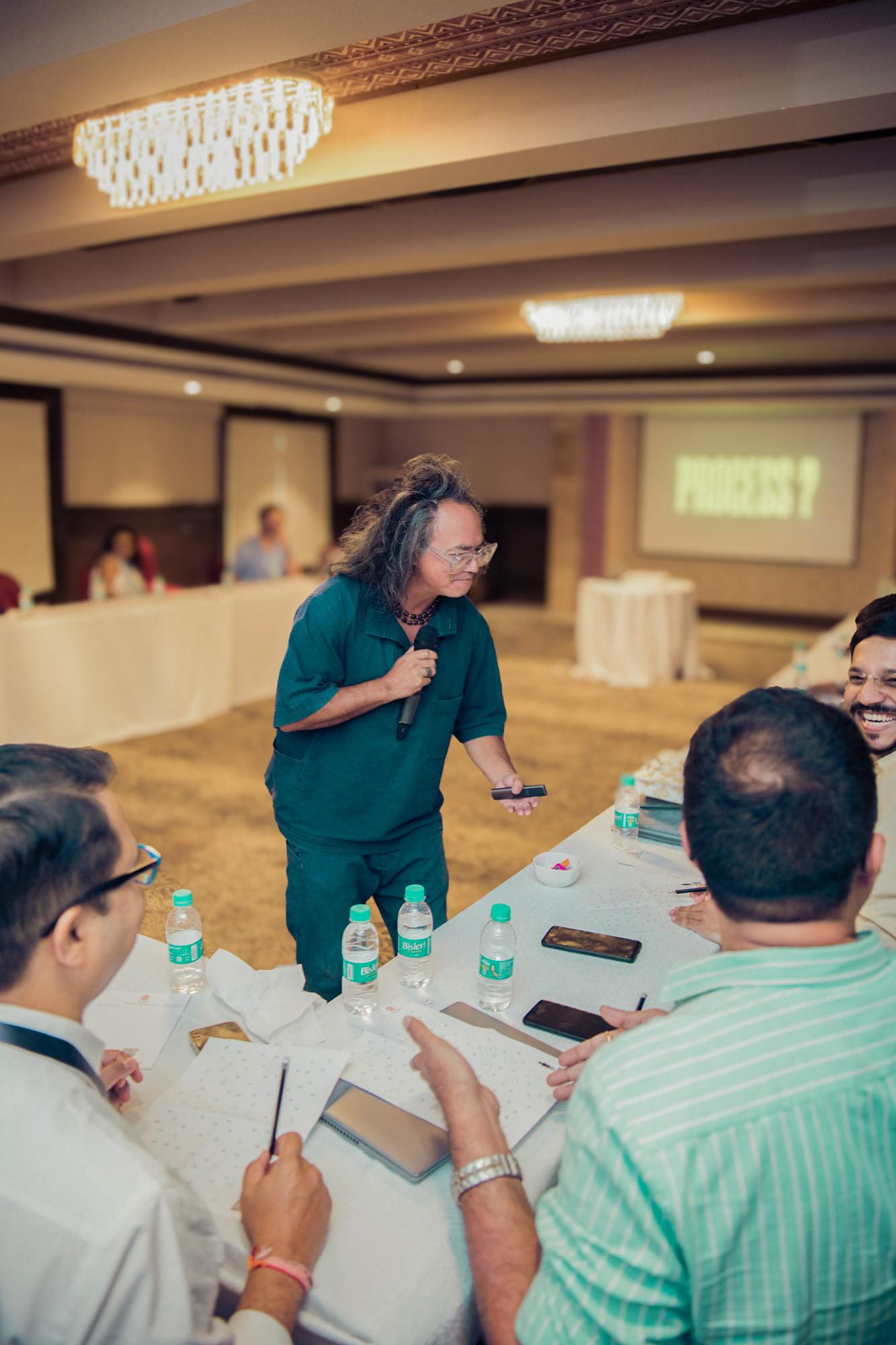
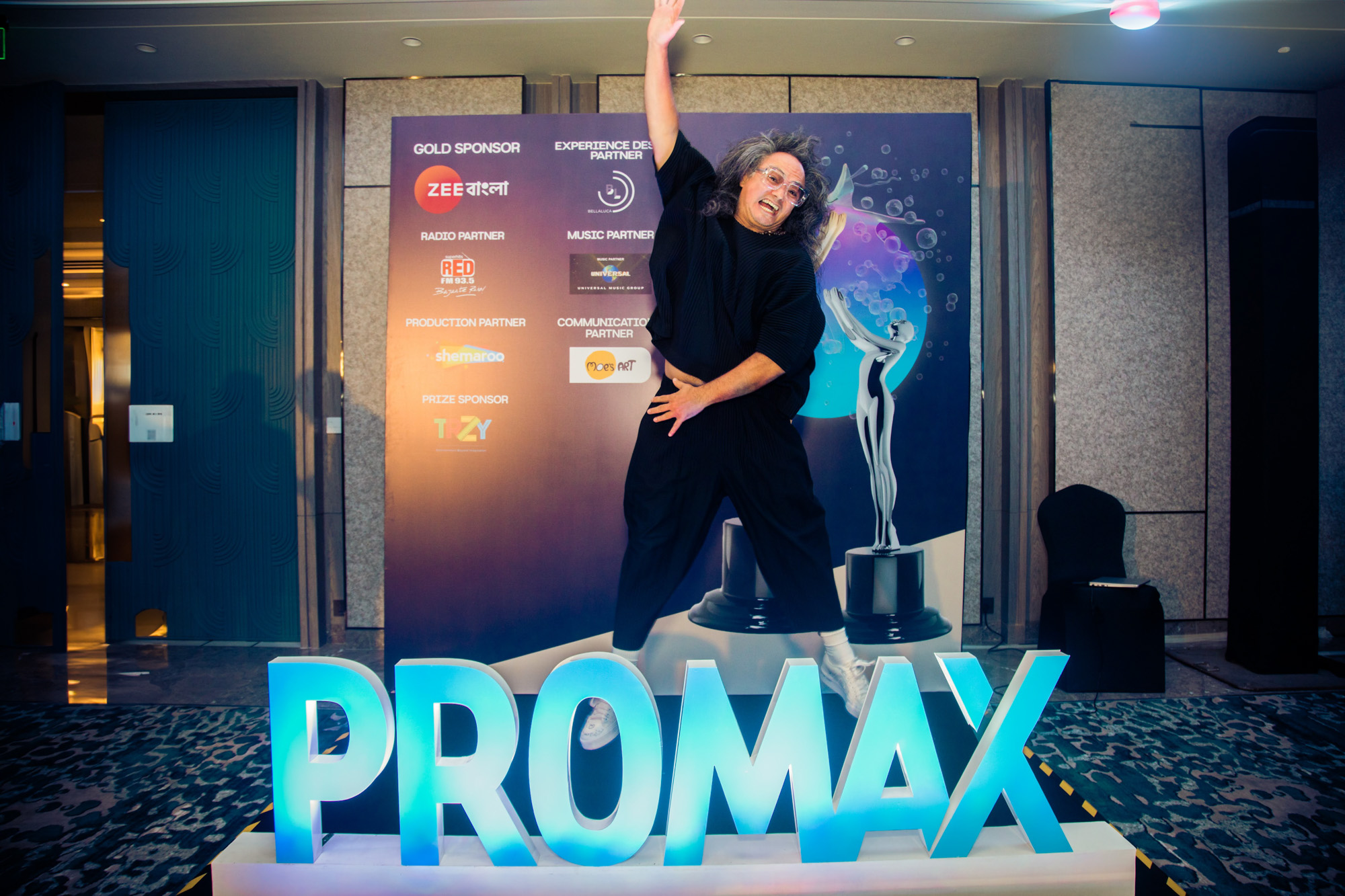
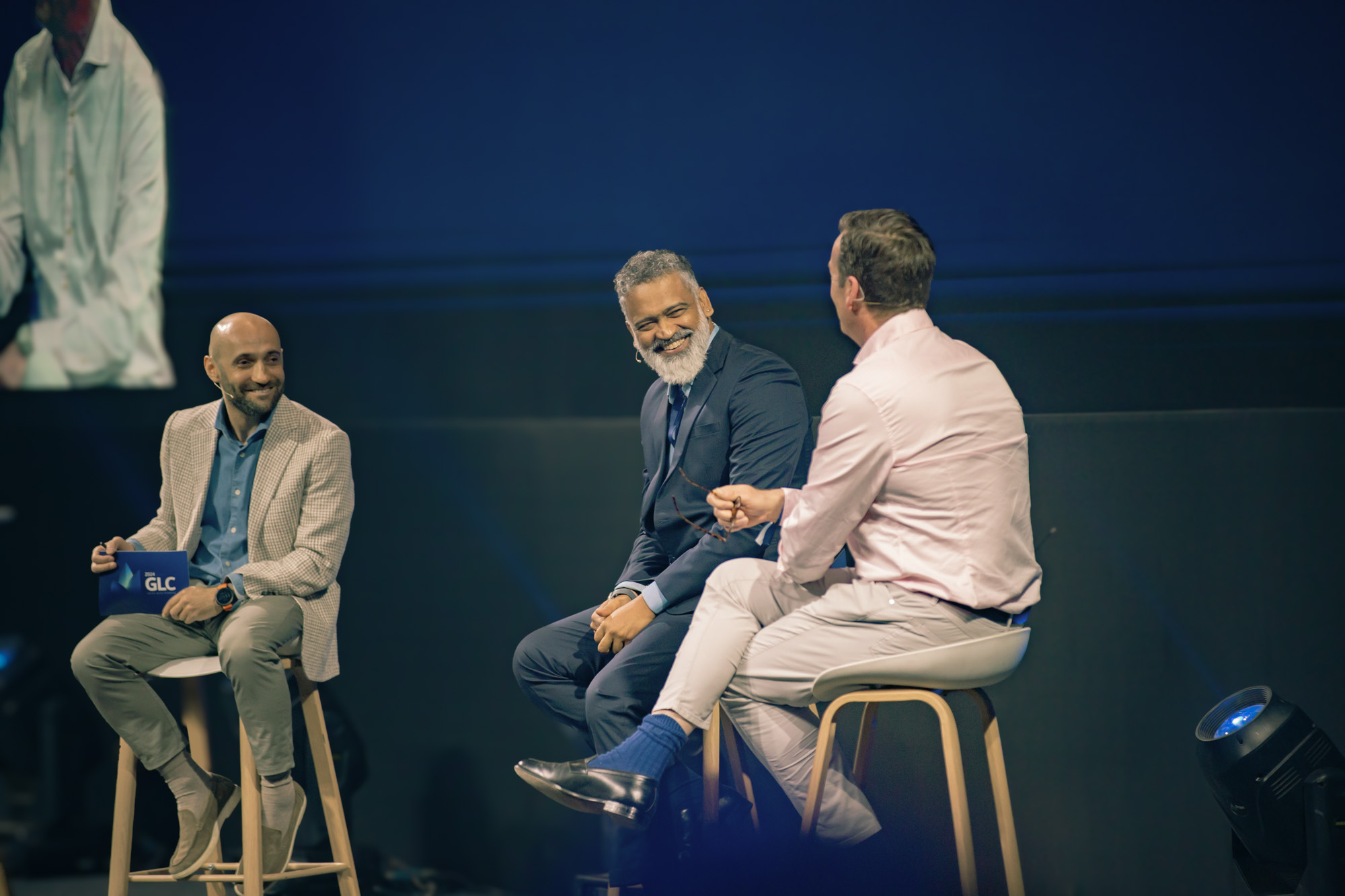
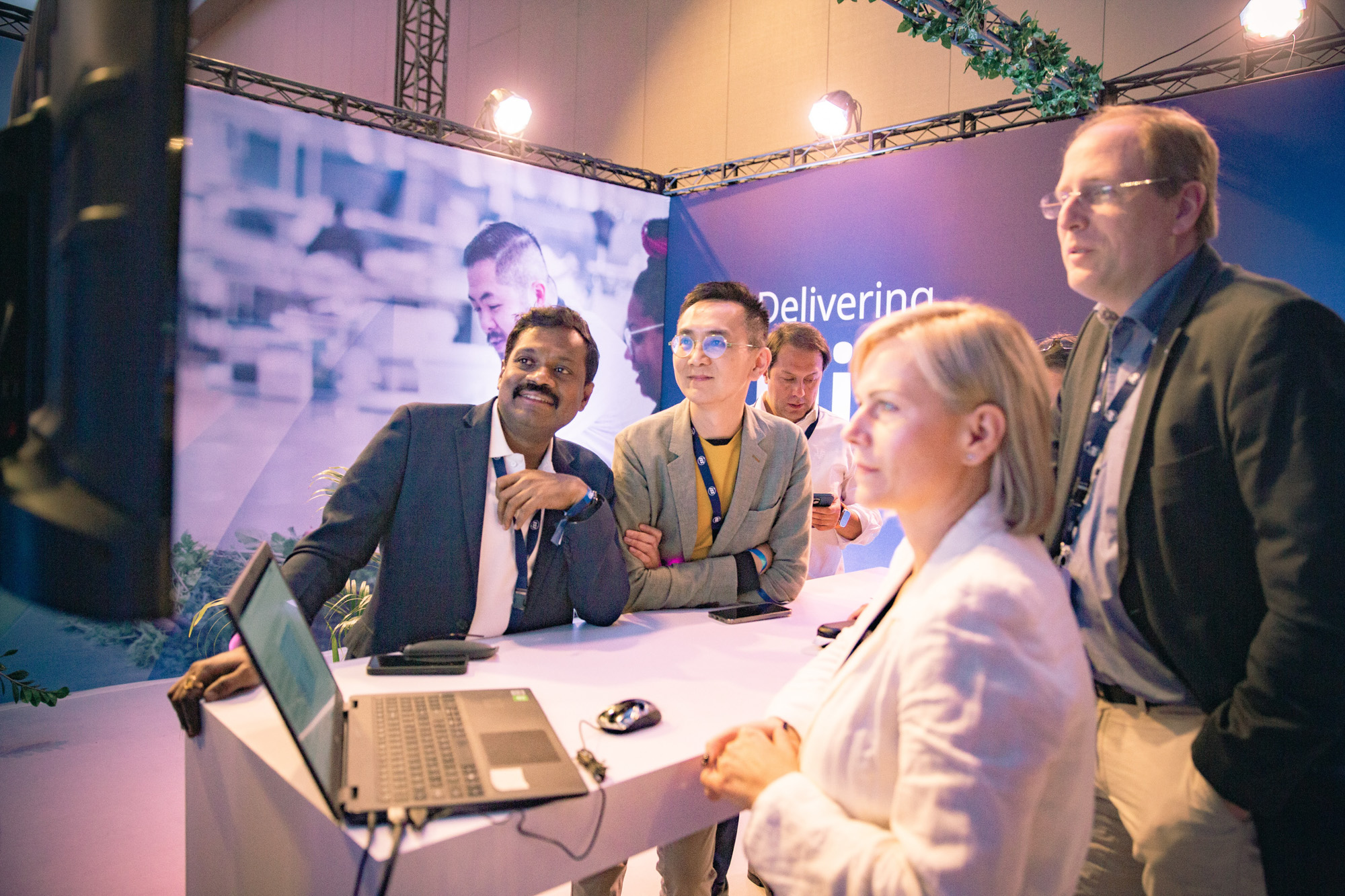
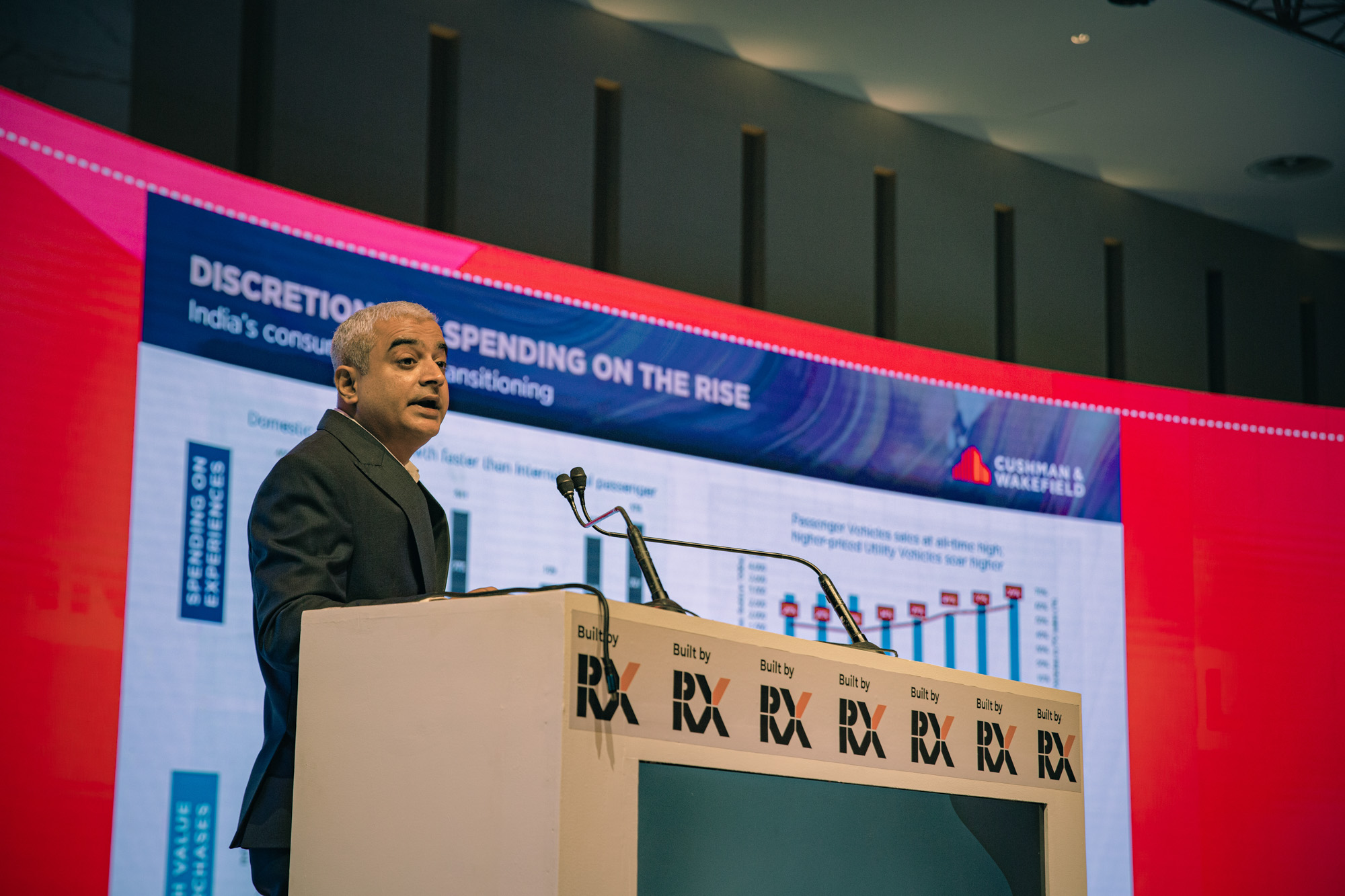
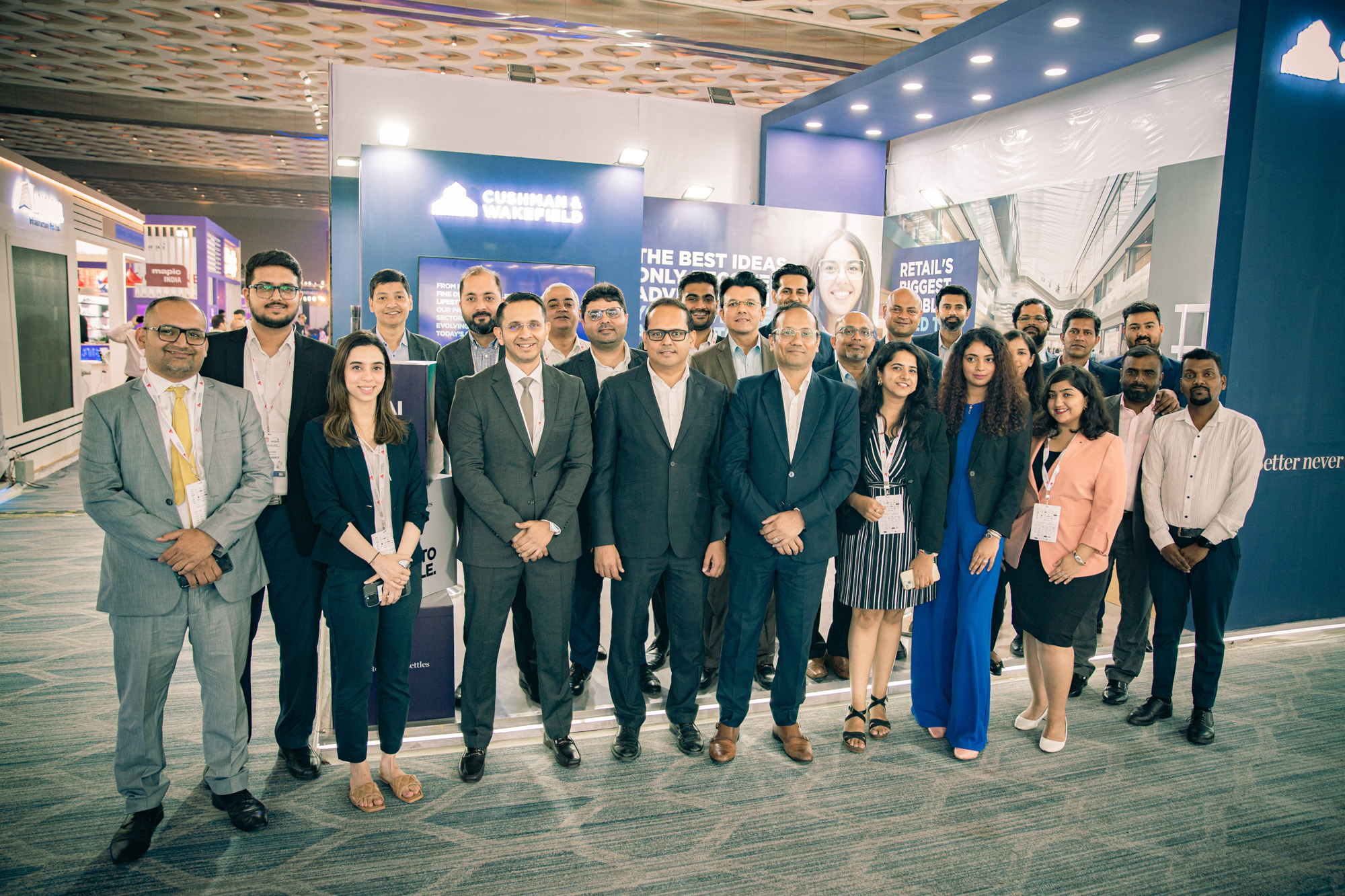
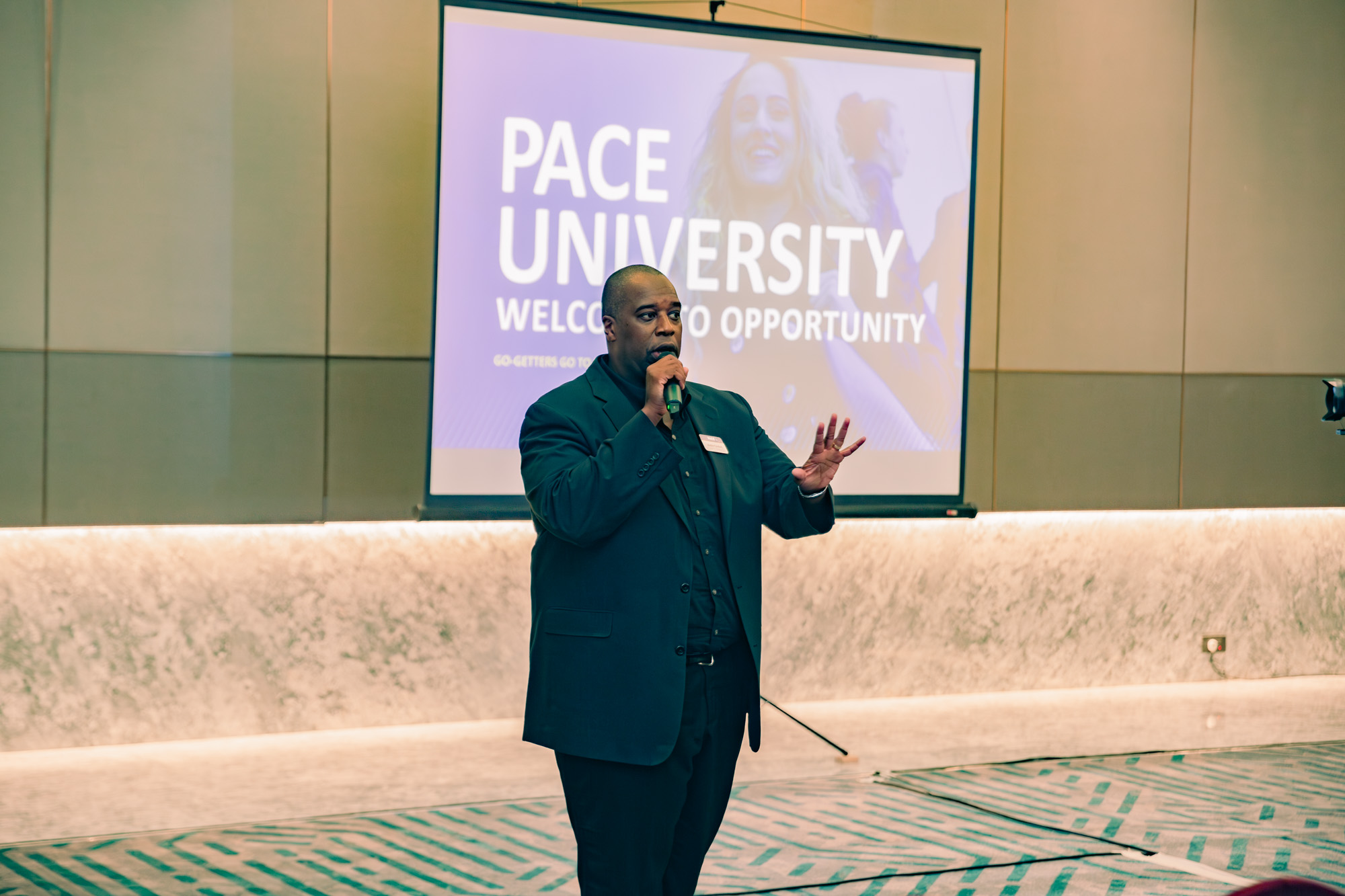
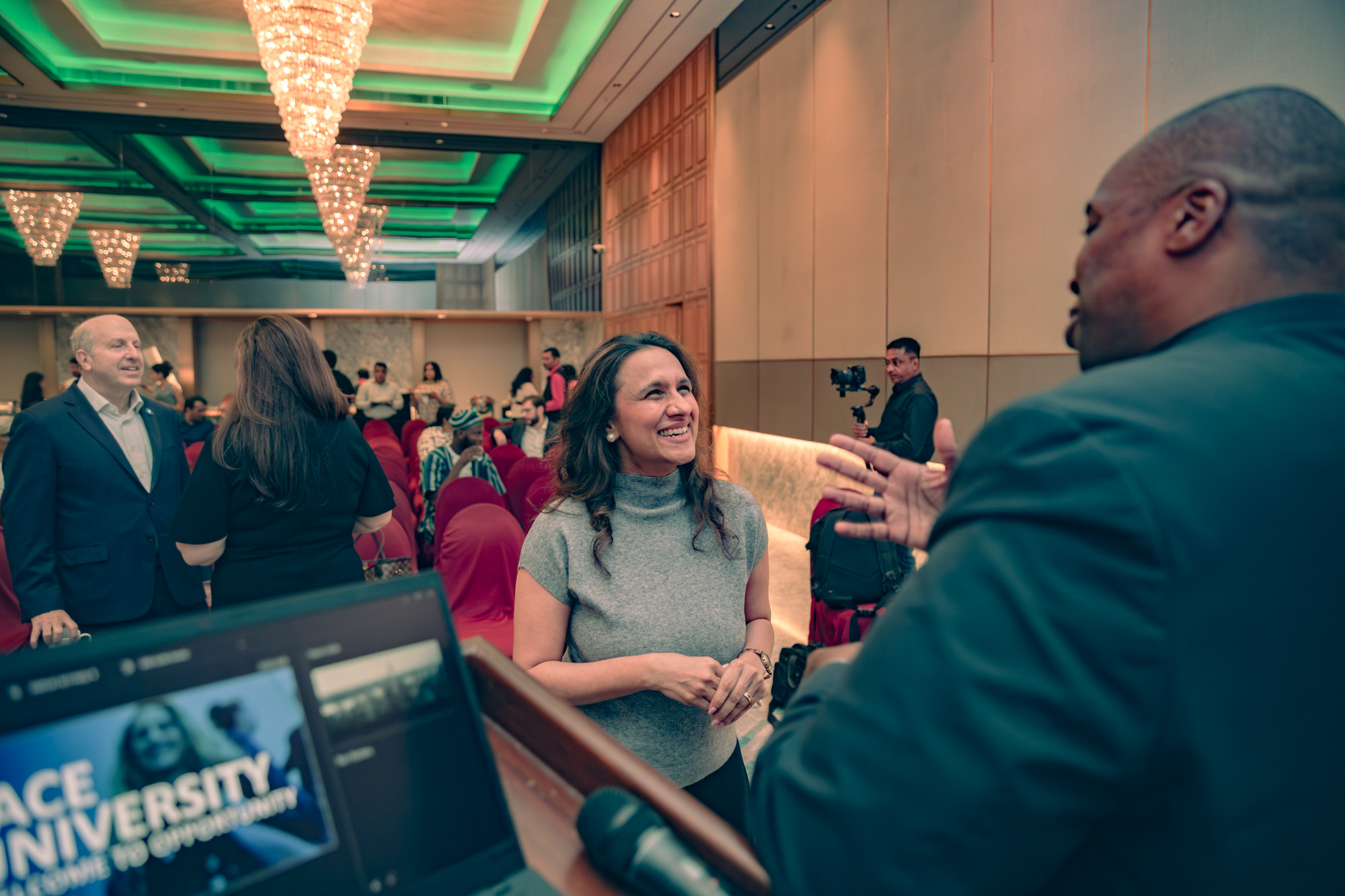
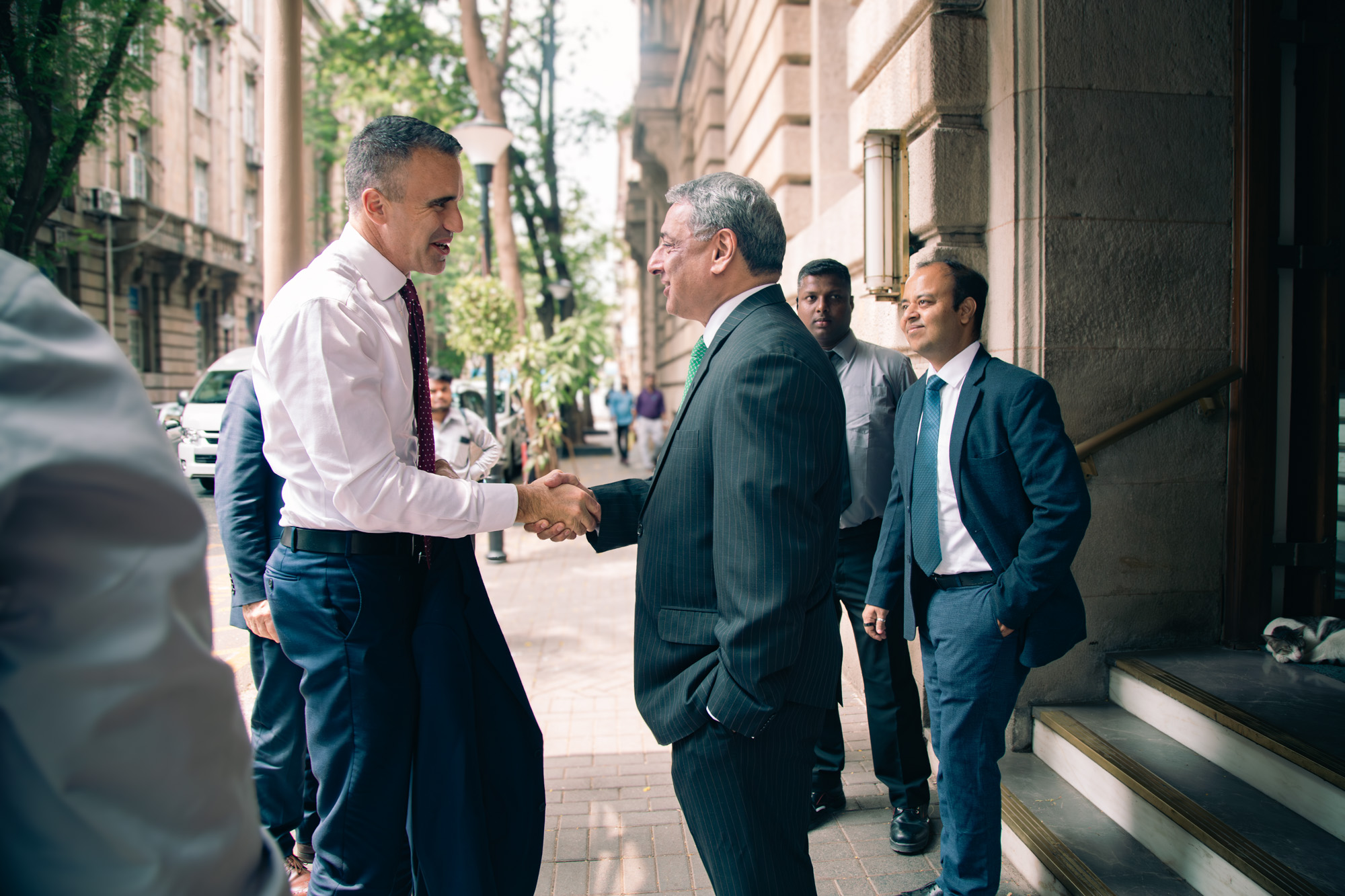
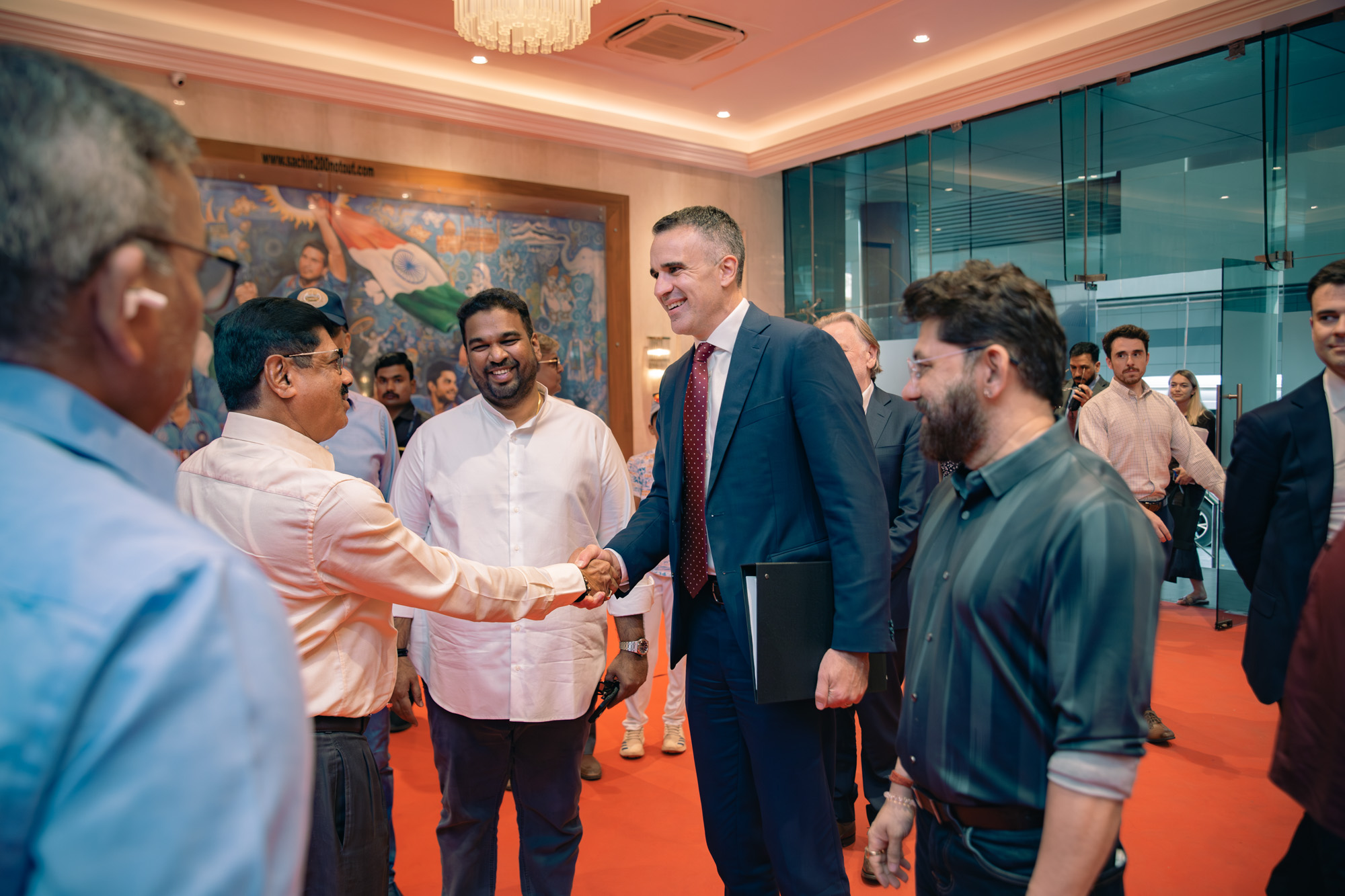
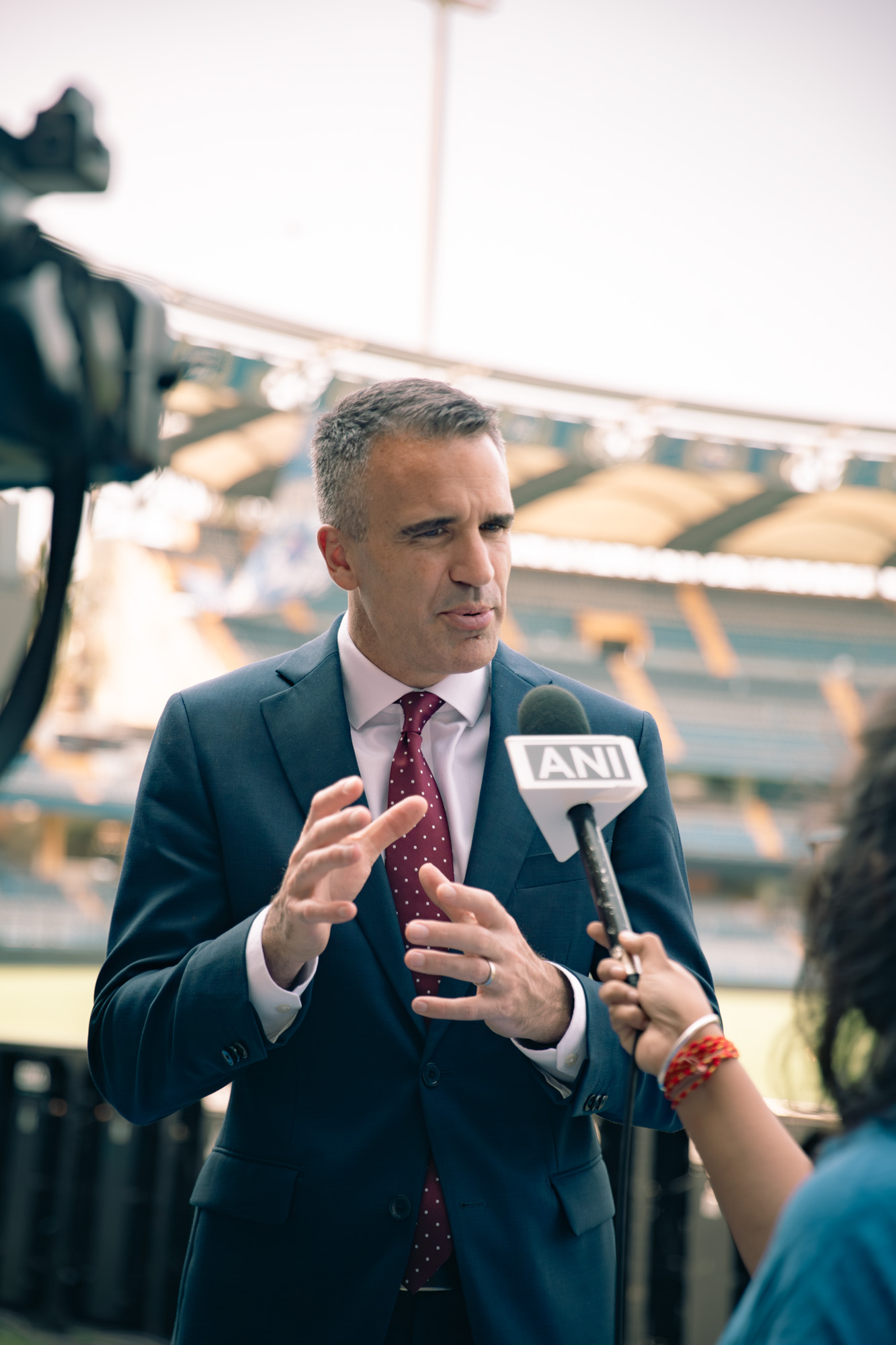
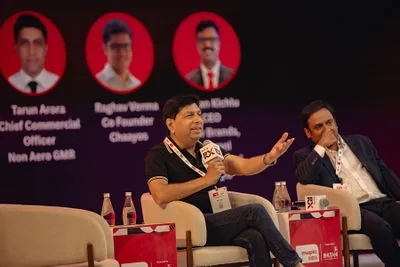
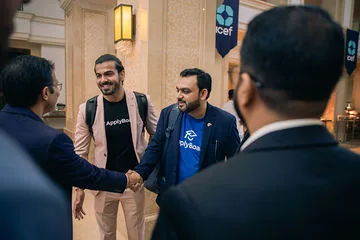
Use one wide BTS image with visible camera positions and one finished panel or keynote frame.
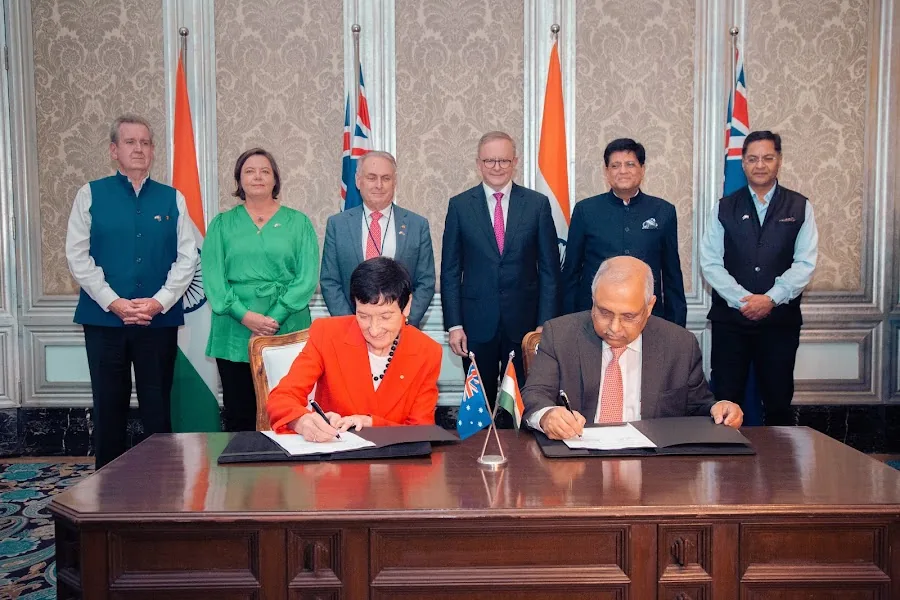
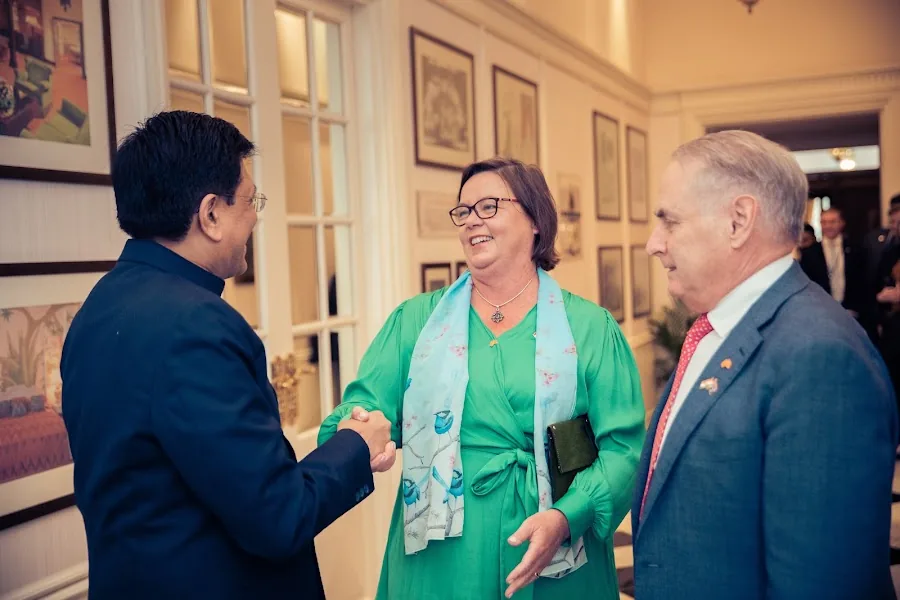
TAT field note
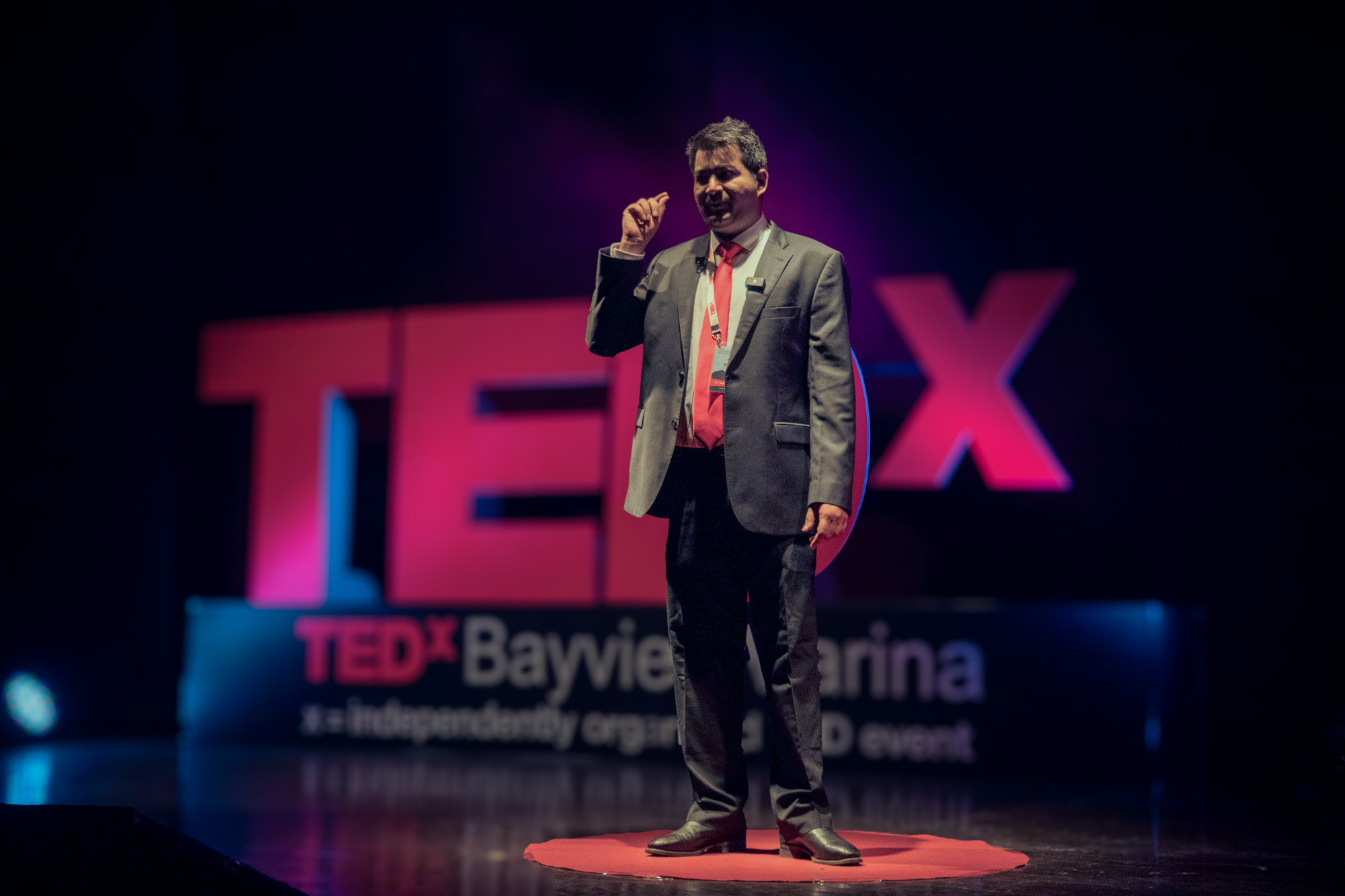
TEDx talk delivery rewards protected camera roles.
When a programme includes 15 talk videos, the production cannot rely on one operator making every creative and continuity decision at once.
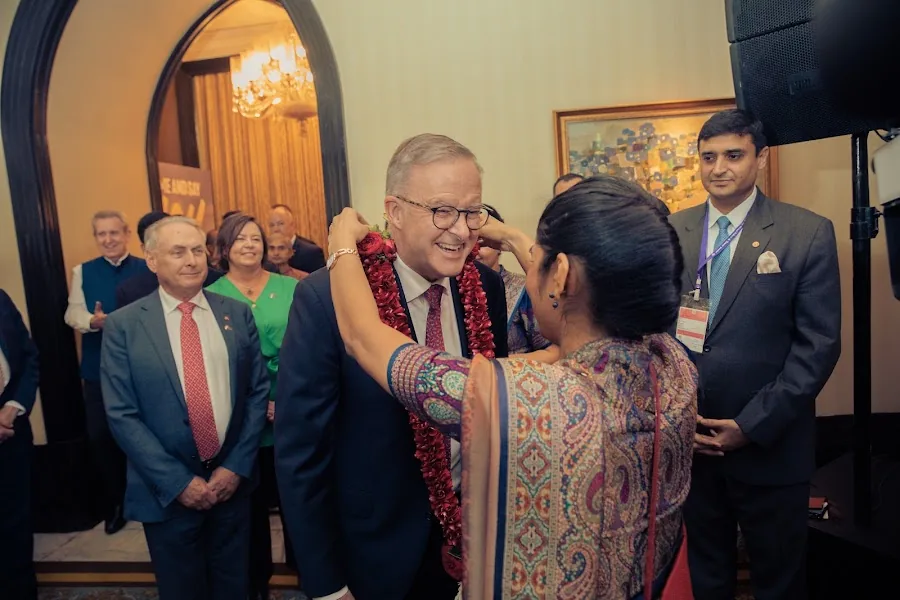
A stable programme responsibility protects complete speaker content.
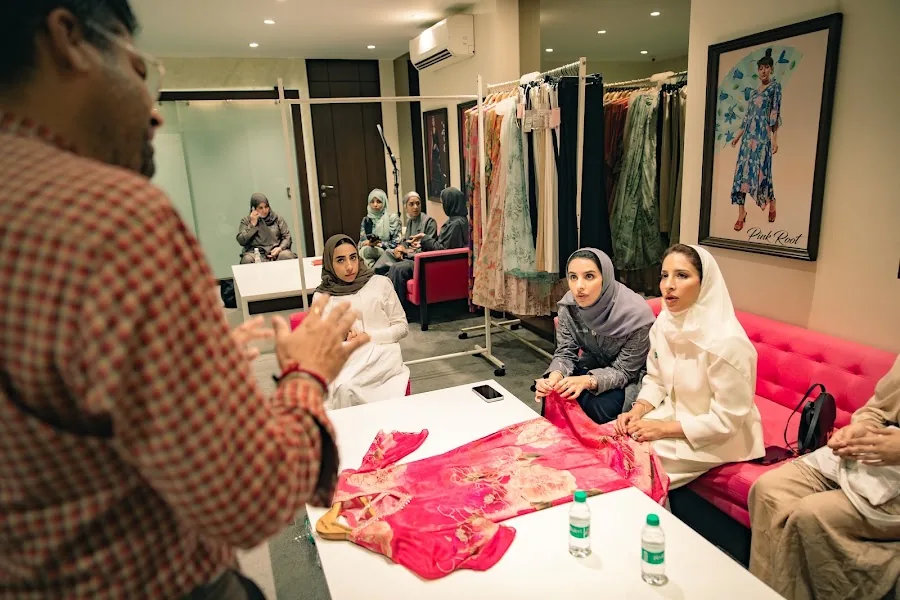
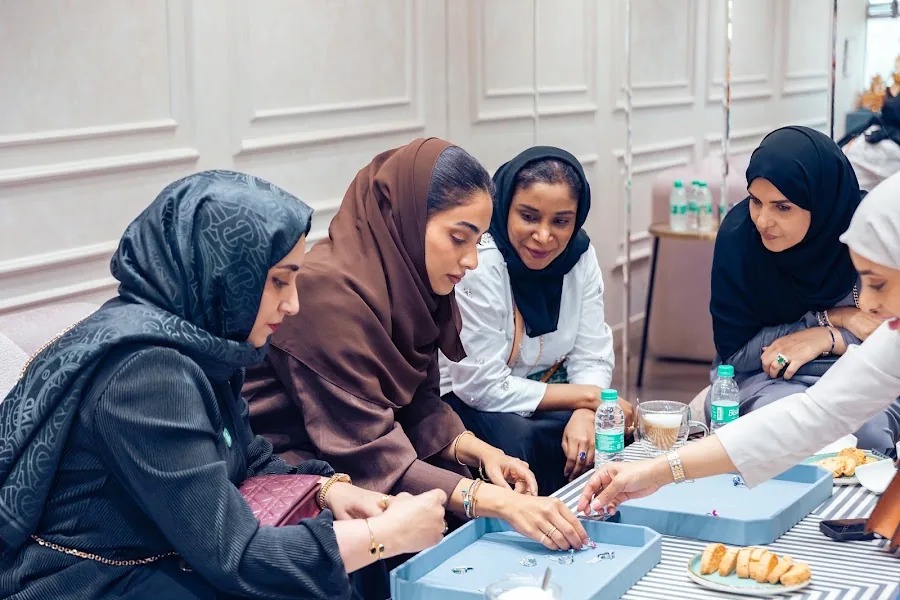
Additional coverage creates usable alternate angles and event context.
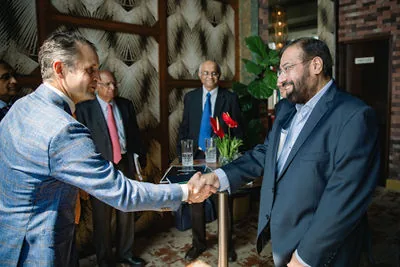
Camera roles, audio paths and session naming should be repeatable across the entire day.
Decision table
Choose the recording configuration by programme.
Start with the minimum safe record, then add responsibilities that create value.
| Programme | Suggested starting point | Add when | Output |
|---|---|---|---|
| Single keynote | 2 cameras + venue/isolated audio | Audience Q&A or screen content matters | Edited keynote or live cut |
| Panel discussion | 2–3 cameras + speaker microphones | Large panel or audience participation | Multicam panel edit |
| Town hall | 2–3 cameras + presentation/remote integration | Hybrid audience or in-room screens | Live/recorded programme plus recap |
| Multi-track conference | Dedicated cameras per active room + coordination | Several rooms need full records | Named session library and highlights |
Ask the venue AV team for more than “a sound feed”.
The production team needs operational detail.
Which output, connector, level and physical location will be available?
Does the feed include every microphone, video playback and remote speaker?
Can production record isolated or room sound if the main feed fails?
Continue planning
Related corporate video resources and services.
Use these pages to move from one production decision to the next without rebuilding the brief from scratch.
People Also Ask
Direct answers to the questions buyers usually ask.
The first sentence answers the question; the rest adds practical context.
01How many cameras are needed for a panel discussion?
Two cameras are a practical minimum for many panels. Three are useful for a safe wide, active speaker close-up and alternate panel or audience coverage.
02What is the difference between live switching and multicam editing?
Live switching selects camera angles during the event. Multicam editing records the angles separately and chooses them later in post-production.
03Can presentation slides be included in the recording?
Yes, through direct capture or camera coverage, subject to AV access and content permission. Direct capture is usually clearer.
04How is audience Q&A recorded?
Plan microphone access and a camera angle that can reach questioners. Roaming questions should not be treated as an afterthought.
05Do we still need isolated recordings if there is a live switch?
They are valuable for backup, correcting live choices and creating later edits. Critical programmes benefit from redundancy.
06Can the same team create a highlight film too?
Yes, when separate camera responsibility is assigned to dynamic event footage. A team focused only on continuous stage recording may not capture enough atmosphere for a strong highlight.
Turn this planning question into a workable production brief.
Share the shoot date, location, audience, programme, required deliverables, interview needs and delivery deadline. We will recommend the smallest team that can execute it properly.
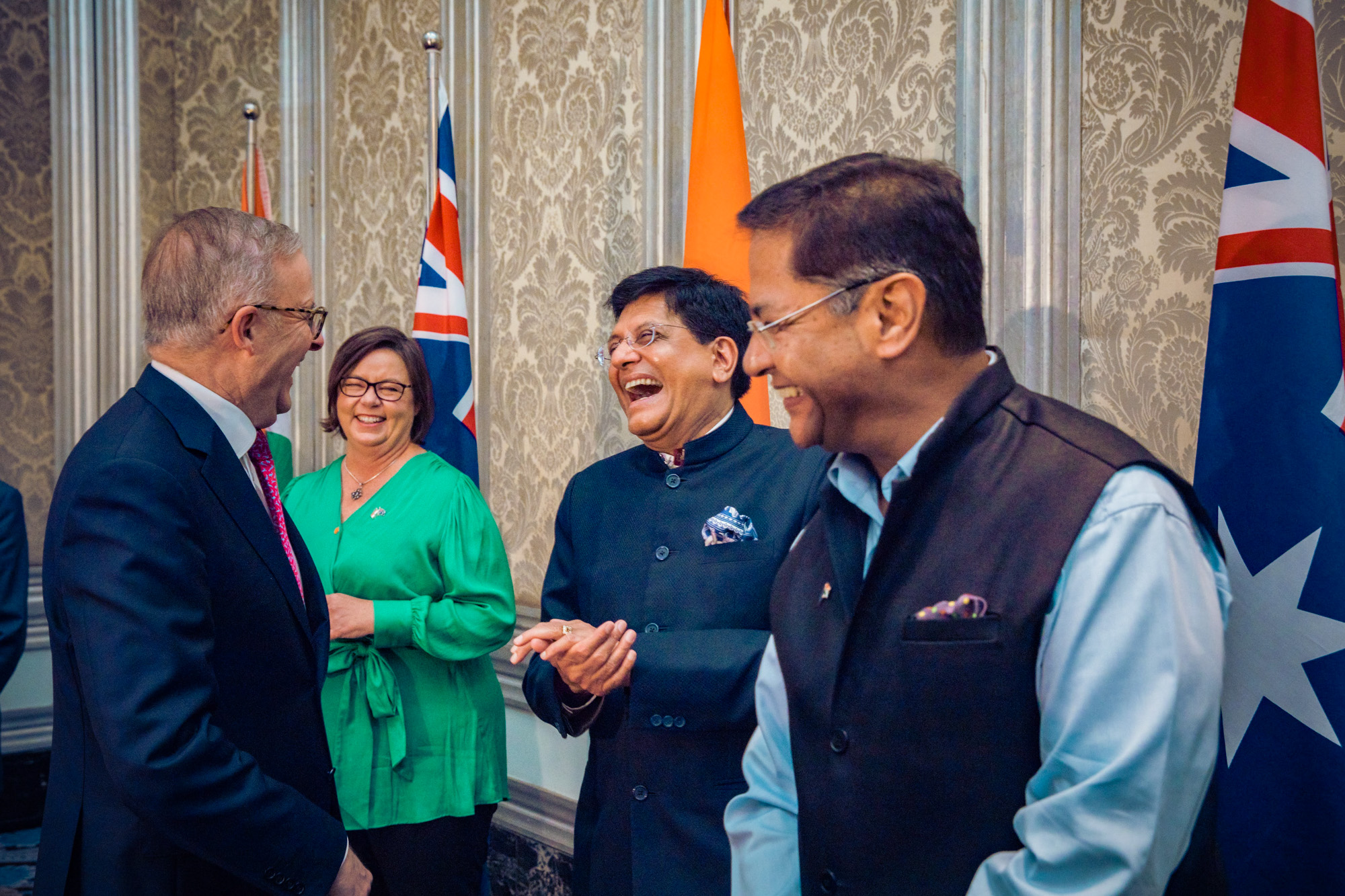
From global conferences to trade missions and corporate events across India.